Getting started
Card expenses
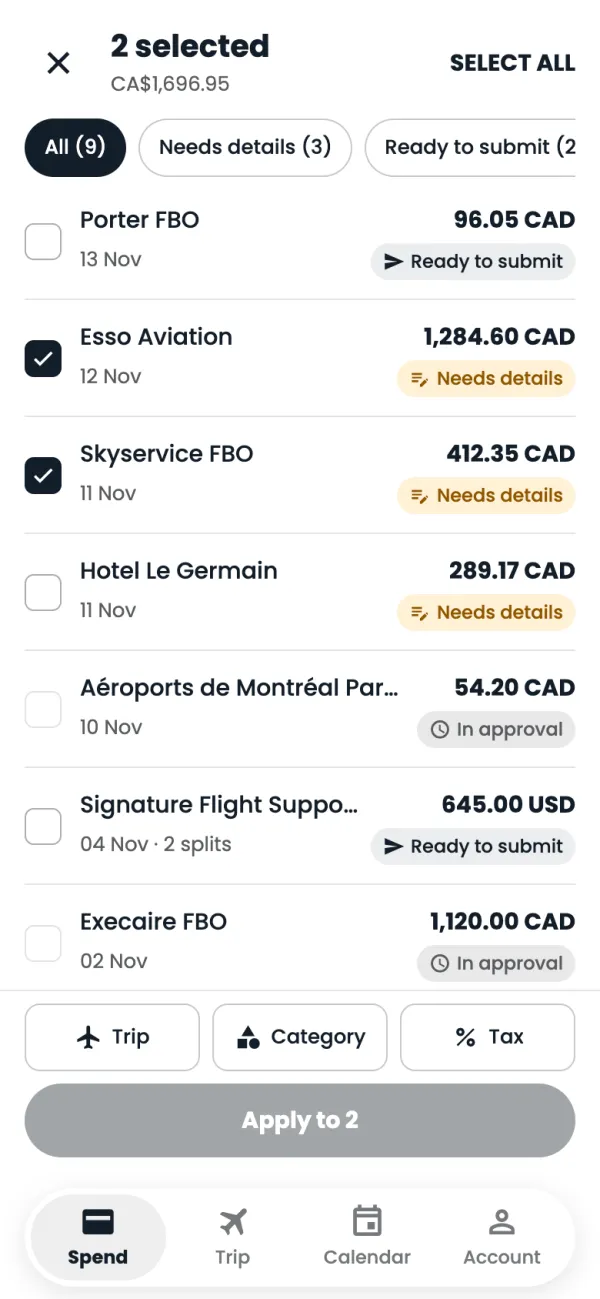
Spend: your card expensesEvery charge on your Flightpath card lands in Spend on its own. Here's how to find what needs doing.
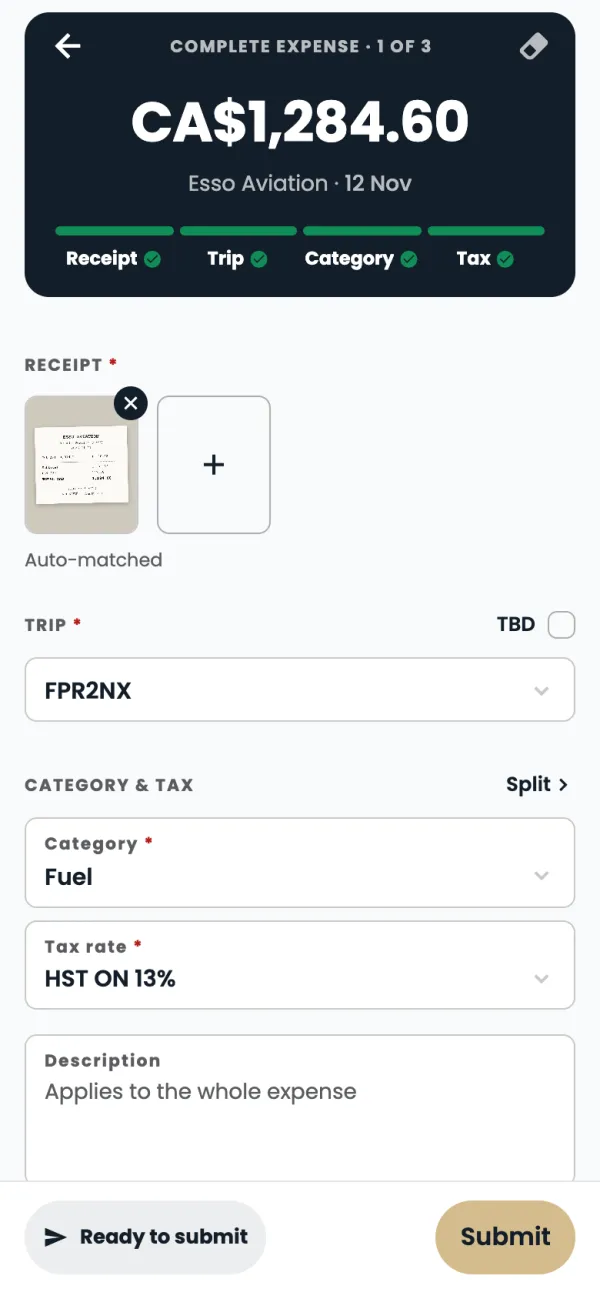
Add a receipt to a card expenseAdd the receipt, trip, category and tax to a company card charge so Finance can approve it.
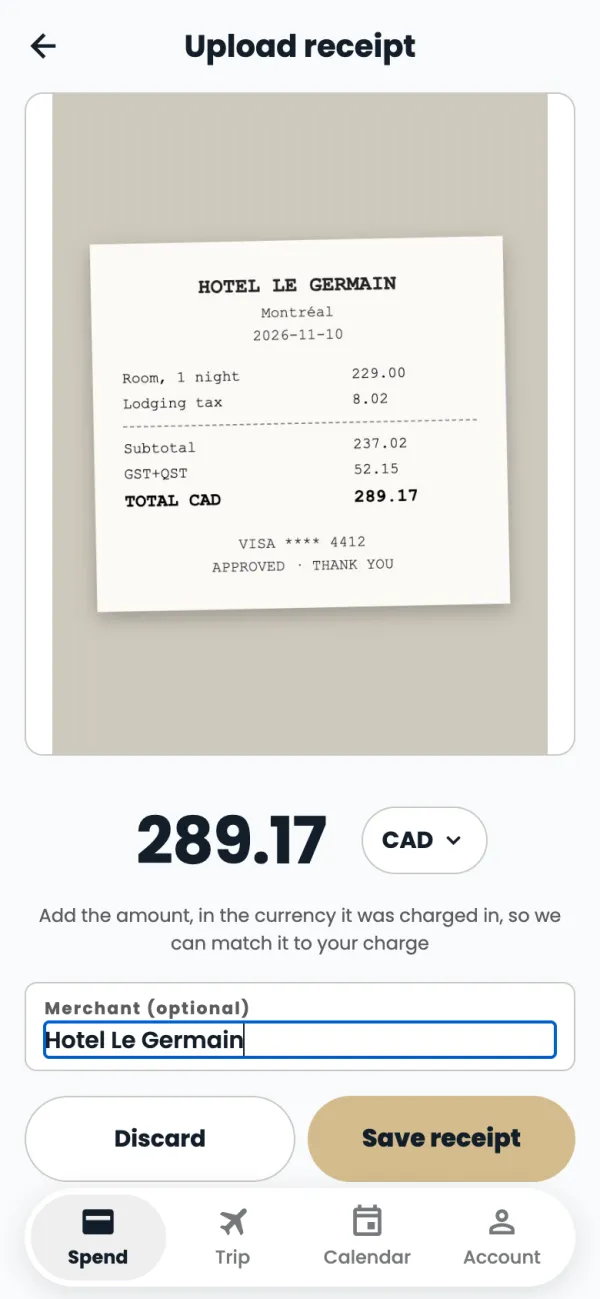
Upload a receipt first, match it laterSnap a receipt the moment you get it. The app matches it to the card charge, even if the charge arrives later.
Claims
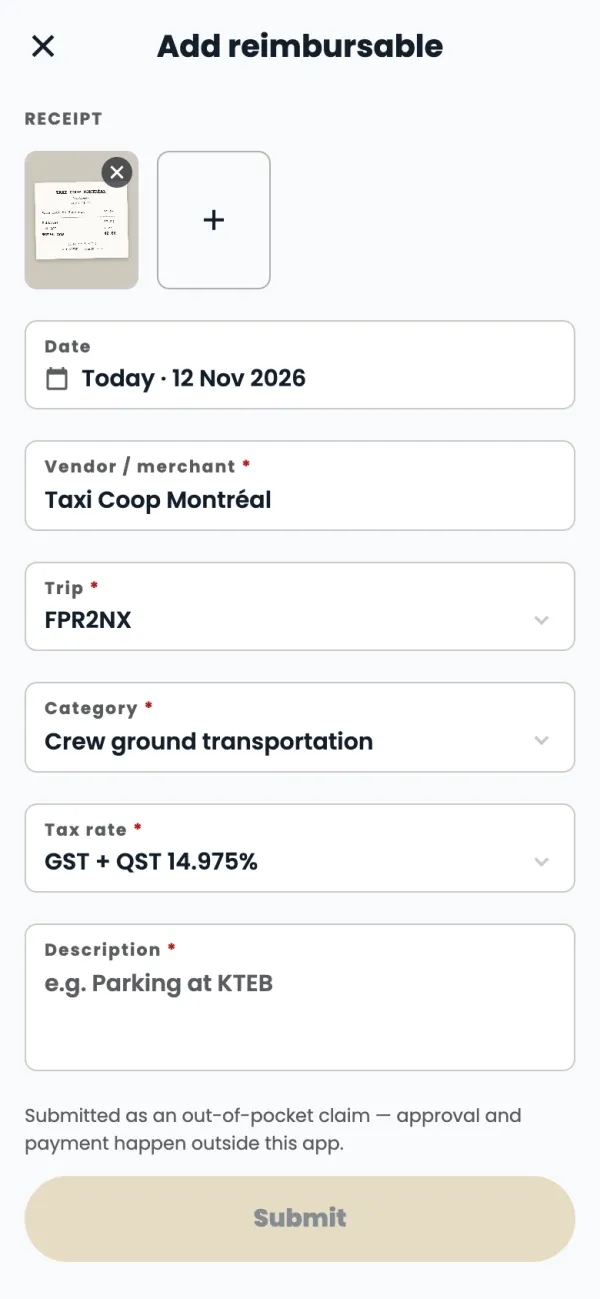
Claim money you paid yourselfPaid for something for work with your own money? Claim it back in a minute.
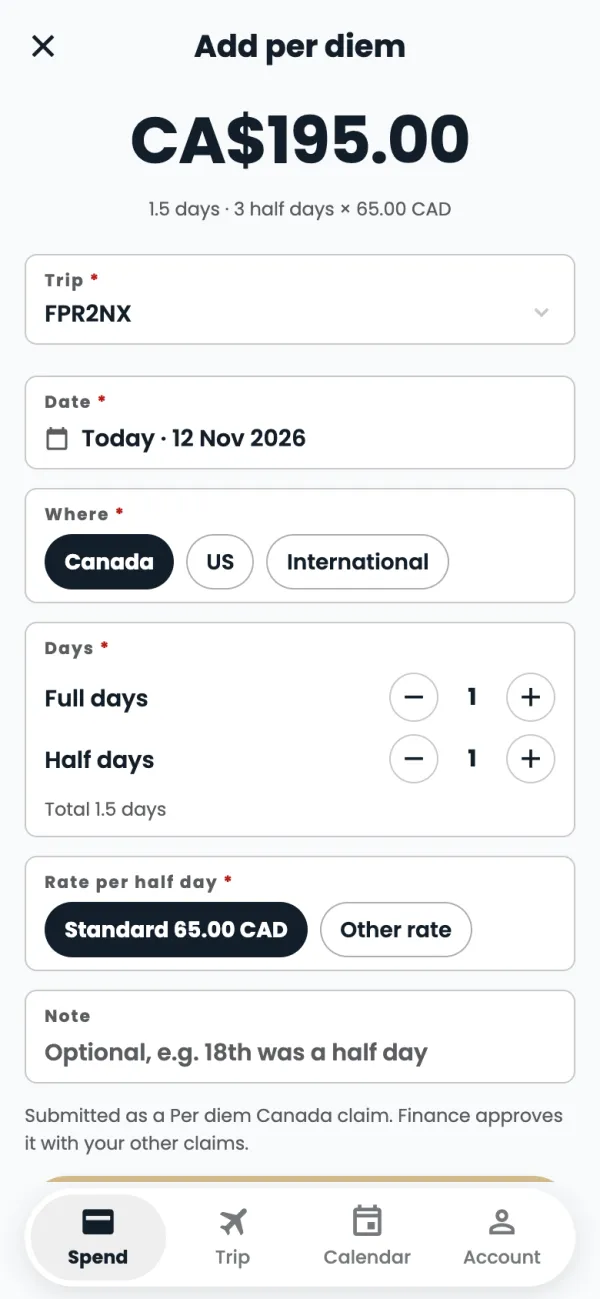
Claim per diemClaim your daily allowance for a trip. Pick the trip, where you were and how many days: the app works out the amount.
Trips & calendar
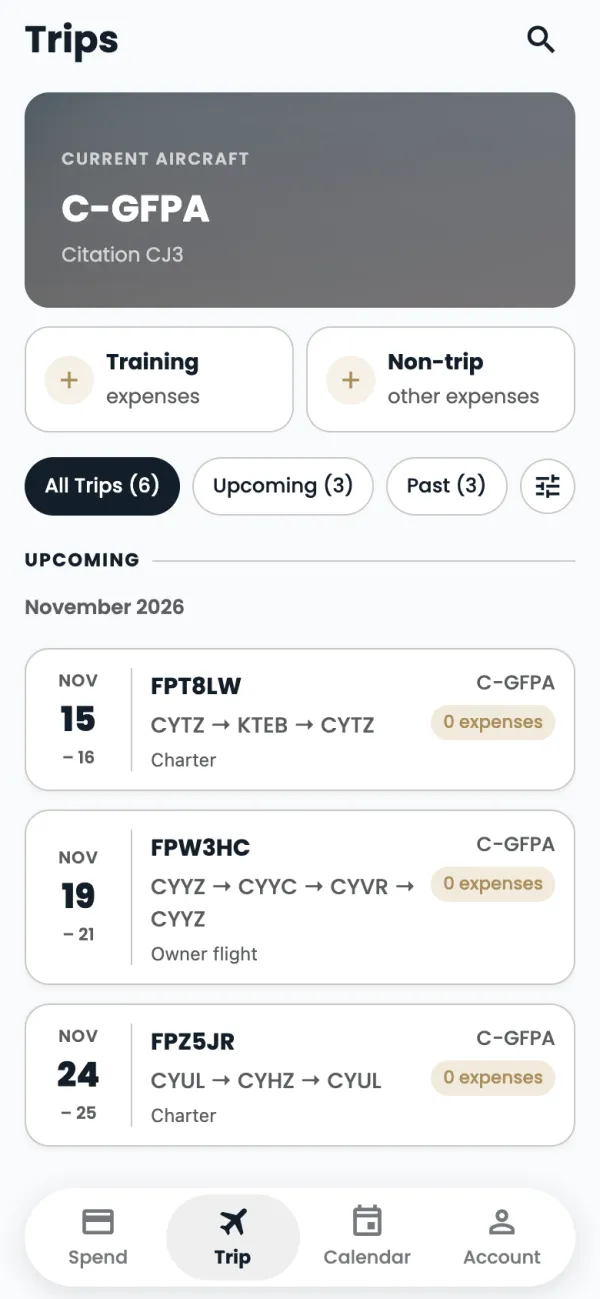
TripsEvery trip on your aircraft, with the expenses and claims for each one.
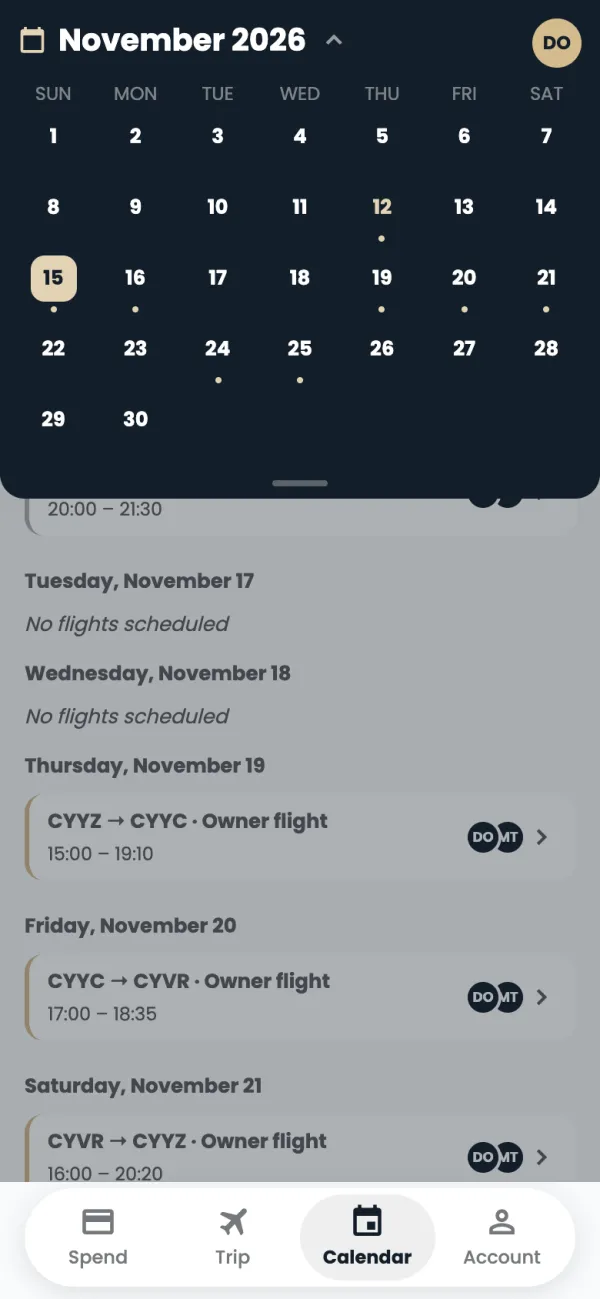
CalendarSee your scheduled flights day by day, and jump from a flight to its trip.
Your account
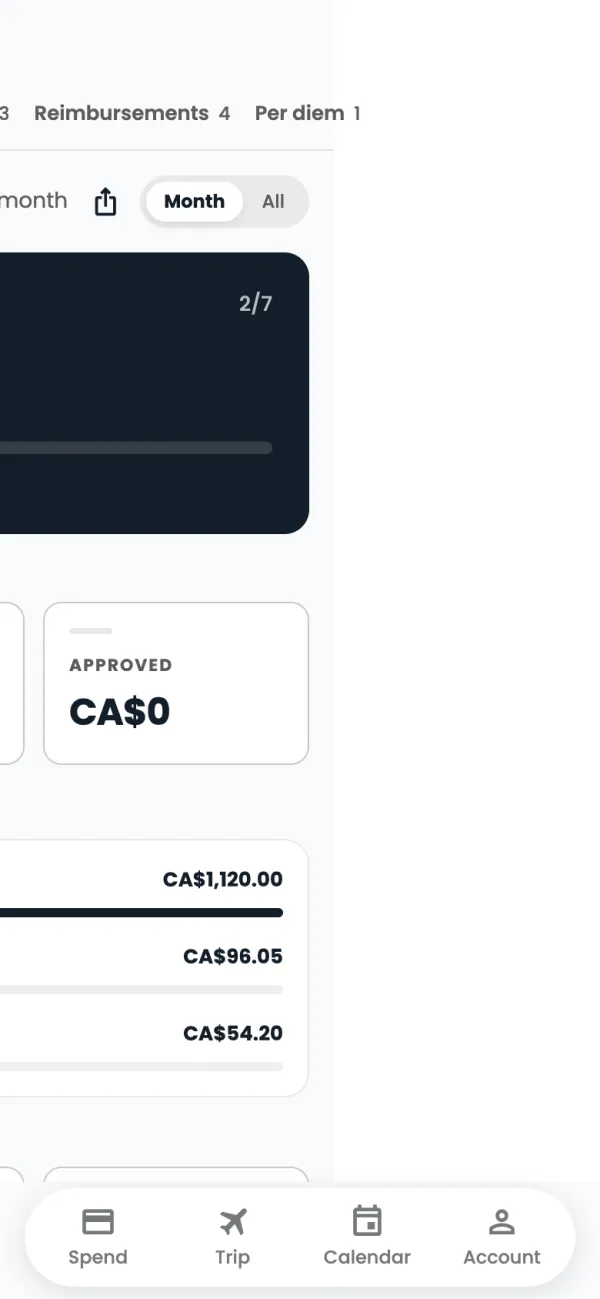
Your account, reports and helpYour cards, your settings, your reports, and how to get help.
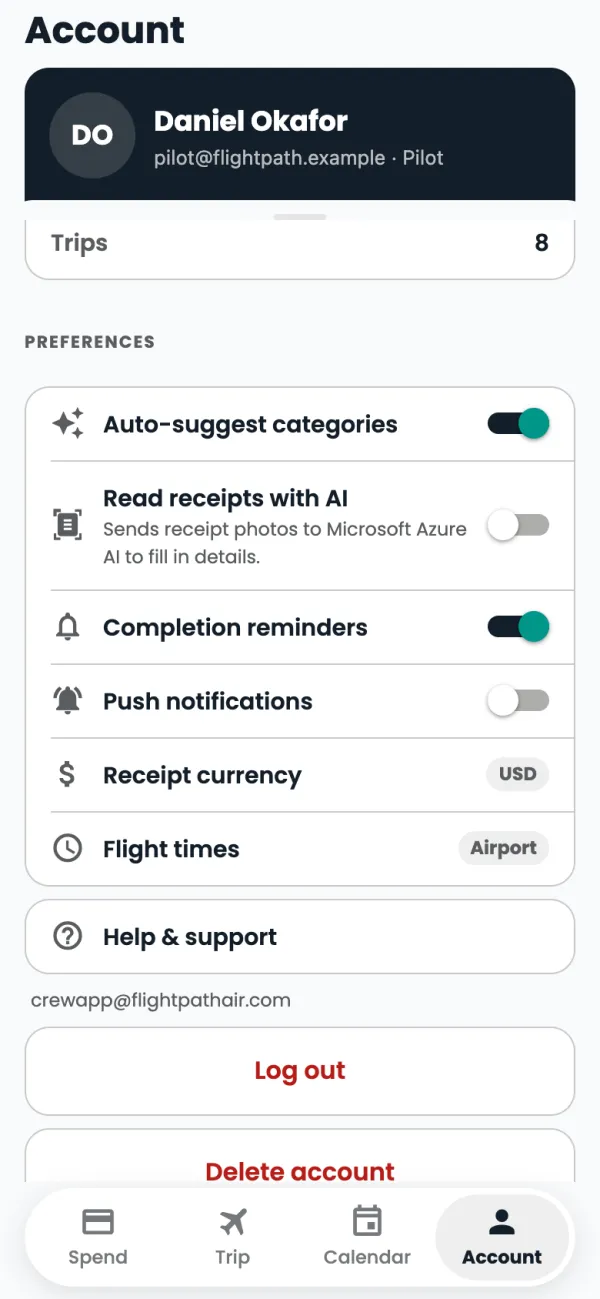
Notifications and remindersWhat the app tells you, and when. Turn notifications and reminders on or off in Account.
Still stuck? Email or call Flightpath crew app support: crewapp@flightpathair.com · 1-866-640-9712.