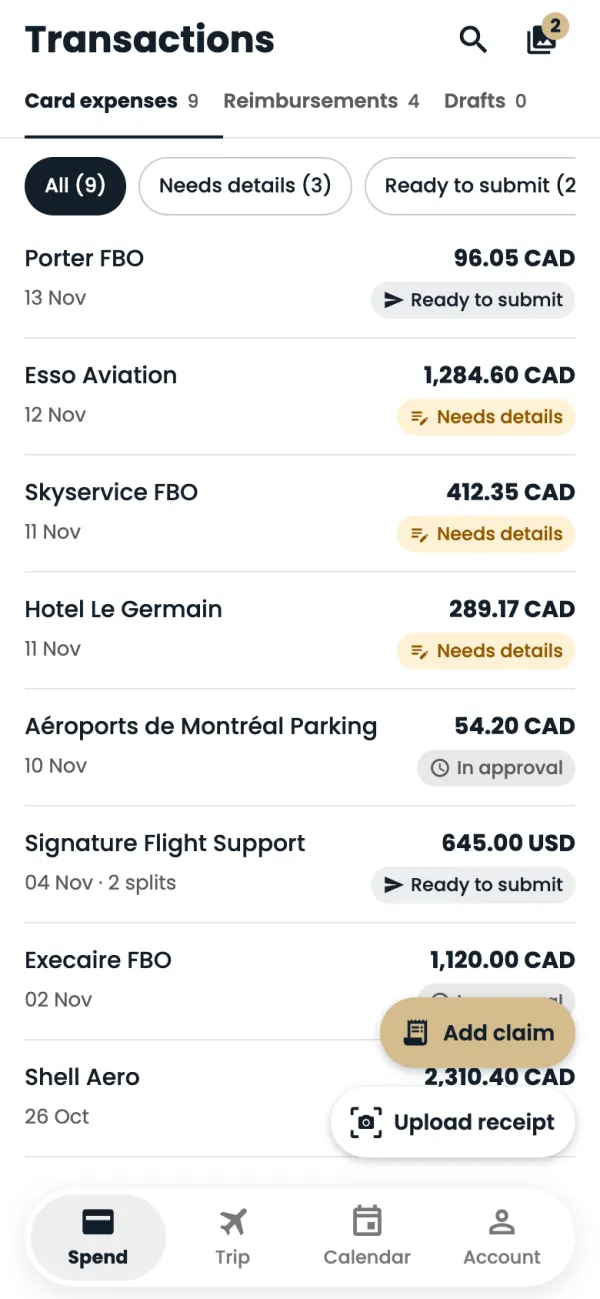
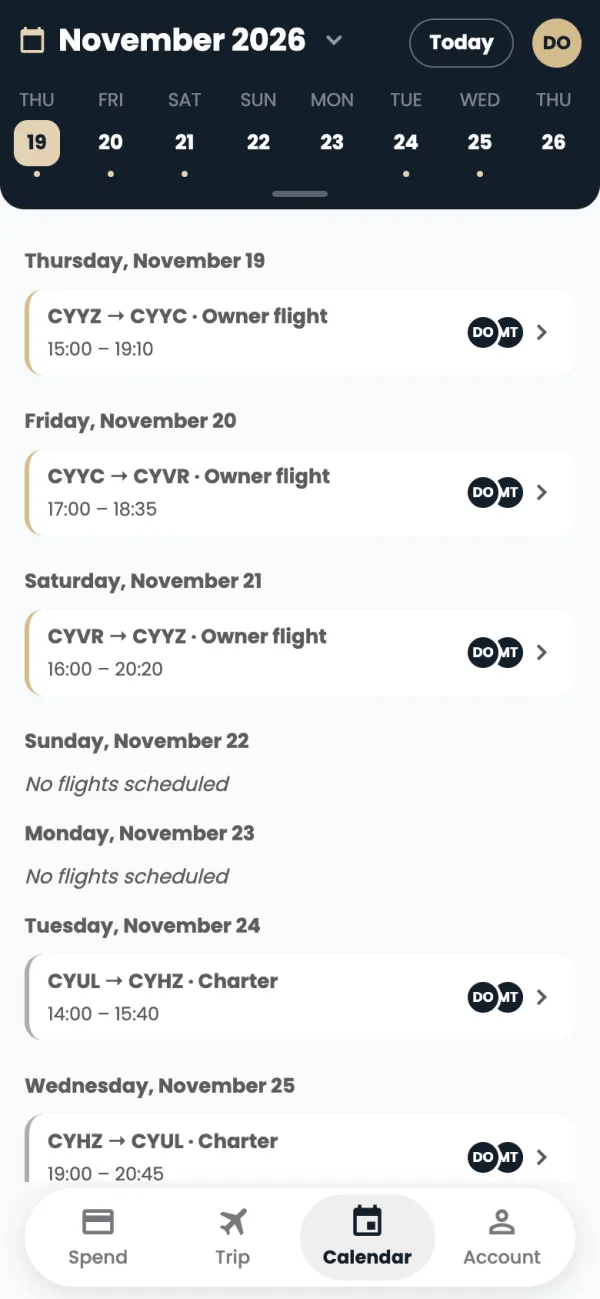
Tap Calendar at the bottom of the screen.
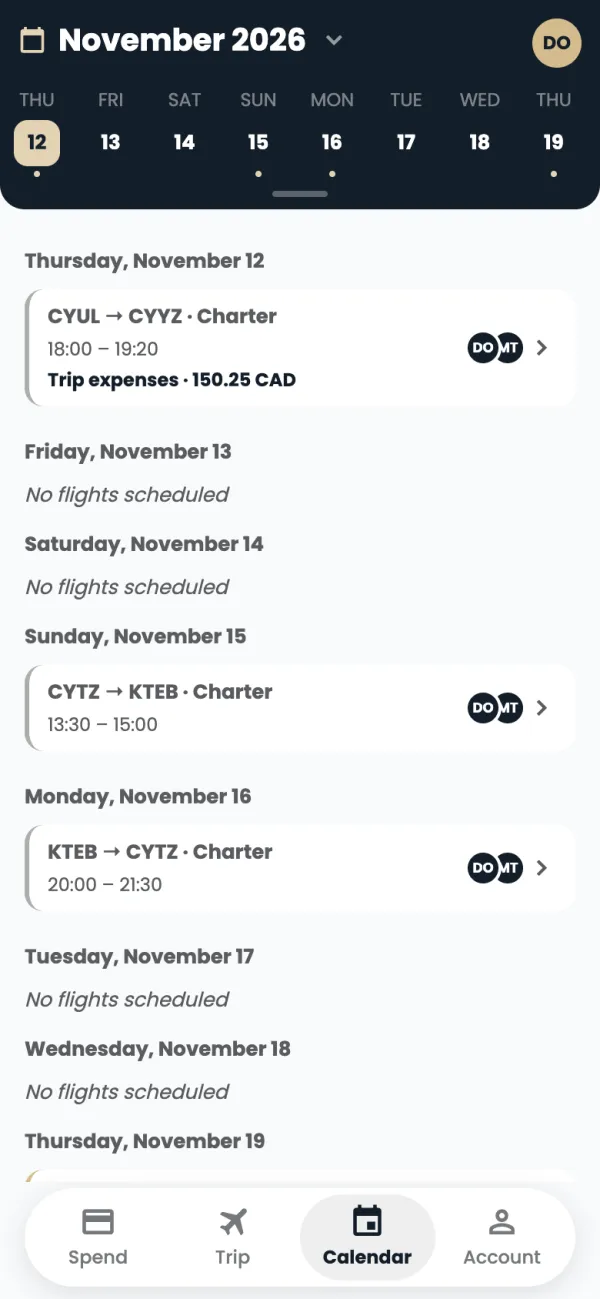
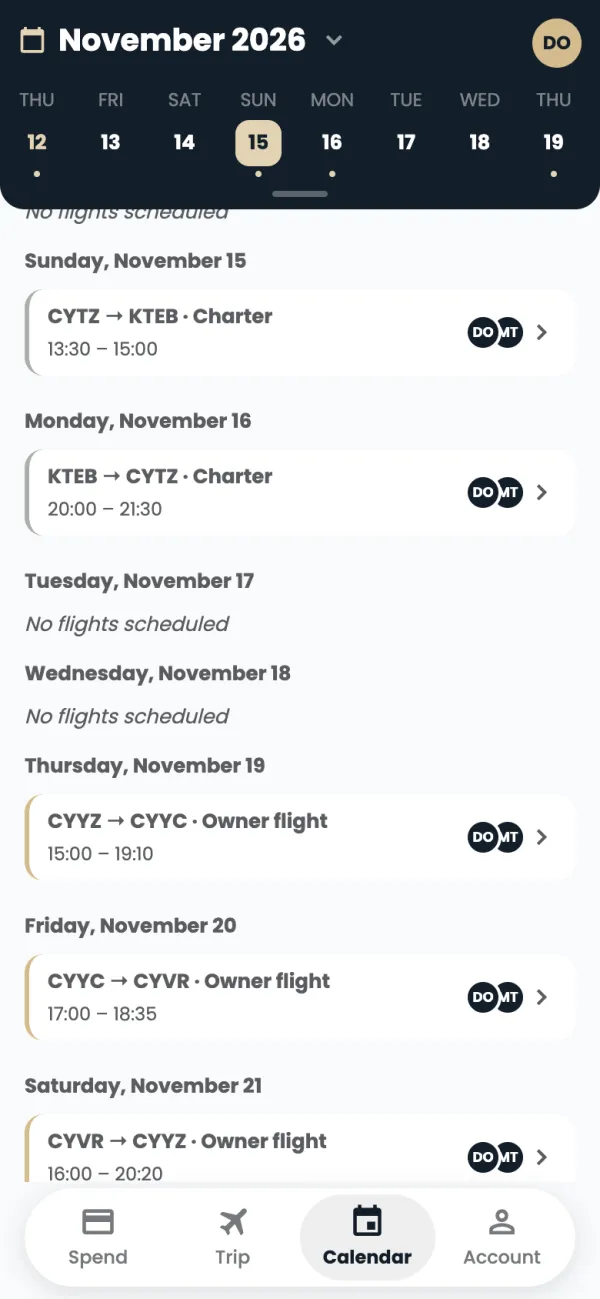
The strip at the top shows one week. A dot under a day means there are flights. Tap a day to jump to it, or swipe the strip to change week.
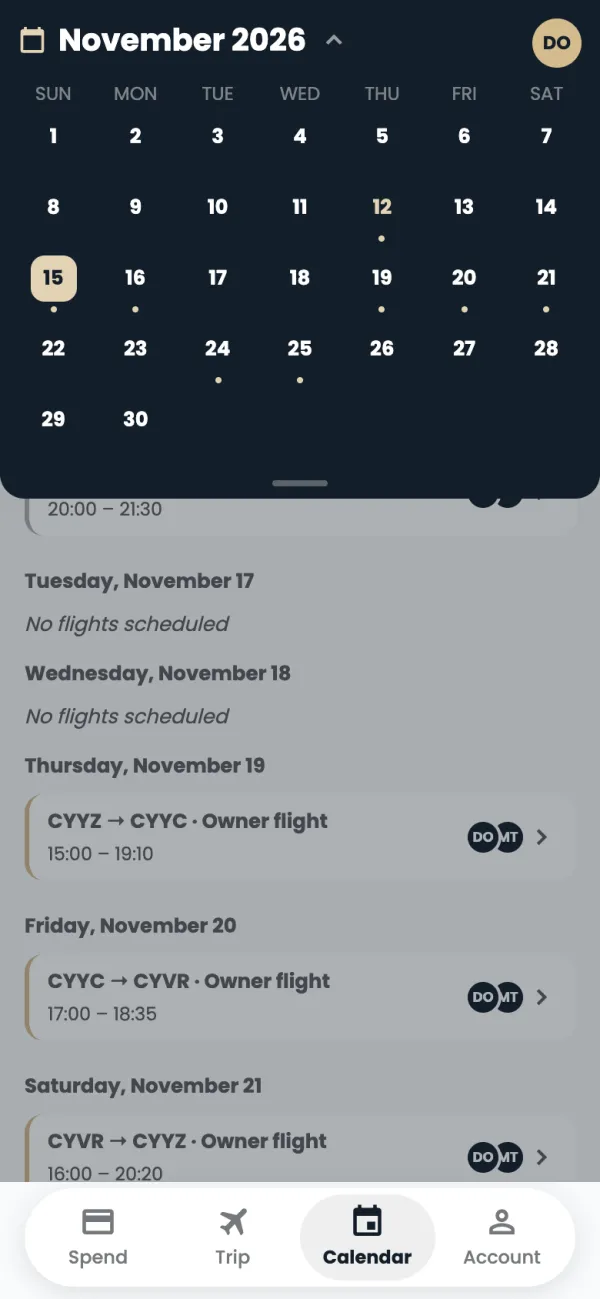
Tap the month name to see the whole month.
Use the arrows or swipe to change month, and tap a day to go to it. Tap the month name again to close it.
Each flight shows the route, the type of flight, the times and the crew's initials. The coloured edge shows the type. Tap it to open its trip.
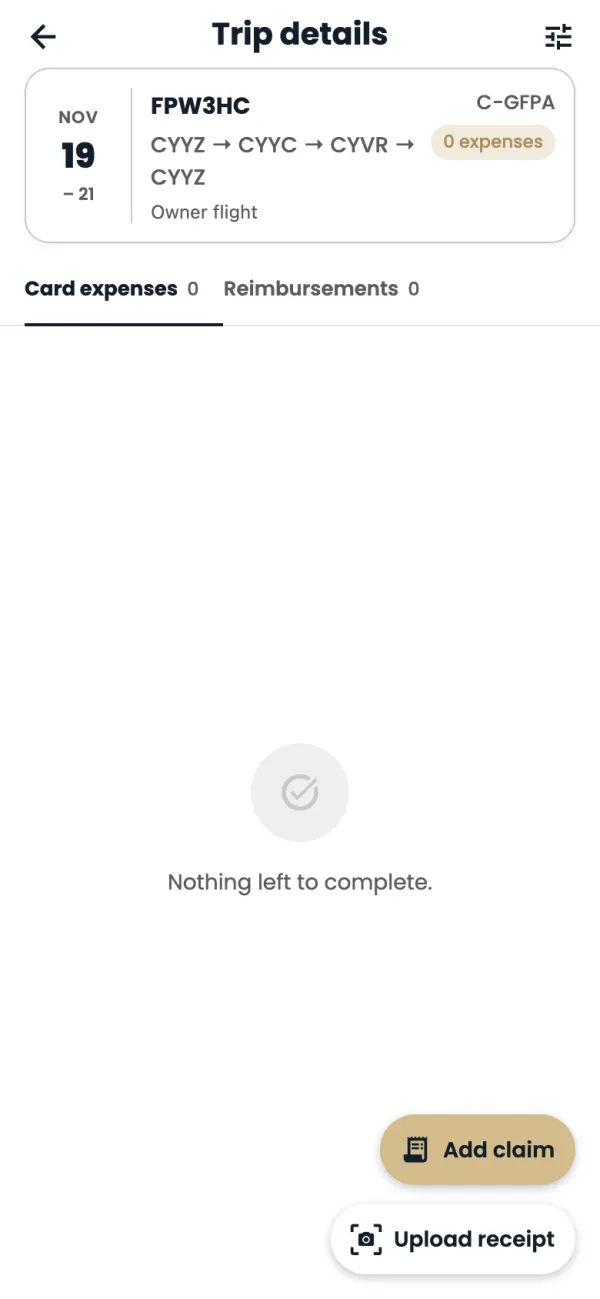
Trip details opens, with that trip's expenses and claims.
Good to know
- Colours down the left edge: owner flights gold, charter blue, medical red, ferry and maintenance orange, training purple, and time off, standby and other crew events grey.
- Days with no flights say No flights scheduled.
- Times show in airport local time unless you change Flight times in Account.
Common questions
I don't see flights I'm expecting.
The calendar shows flights on the aircraft you're assigned to. Contact ops if something is missing.
Still stuck? Email or call Flightpath crew app support: crewapp@flightpathair.com · 1-866-640-9712.