Tap Account at the bottom of the screen.
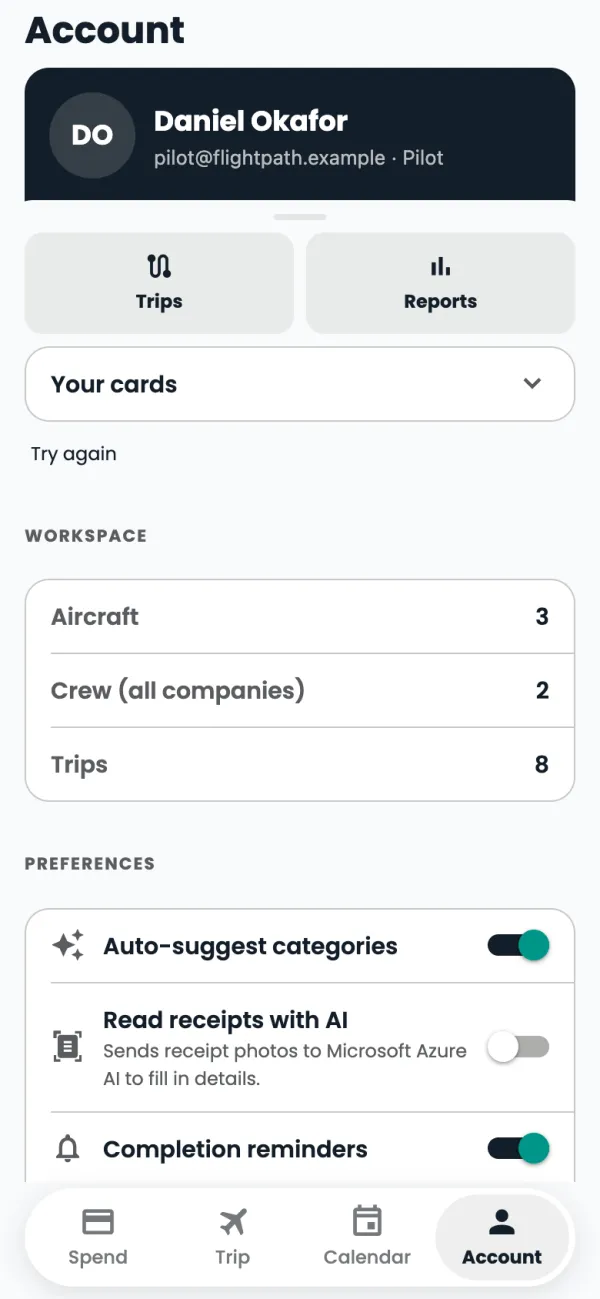
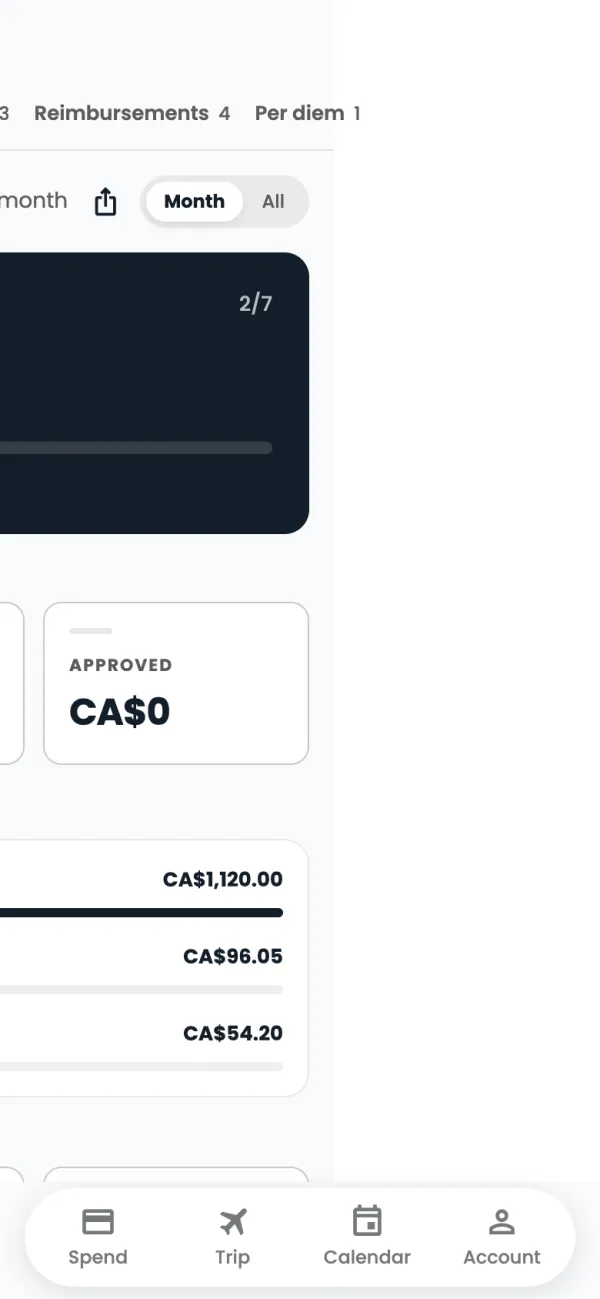
Your name and role are at the top. Tap Reports for a summary of your spending.
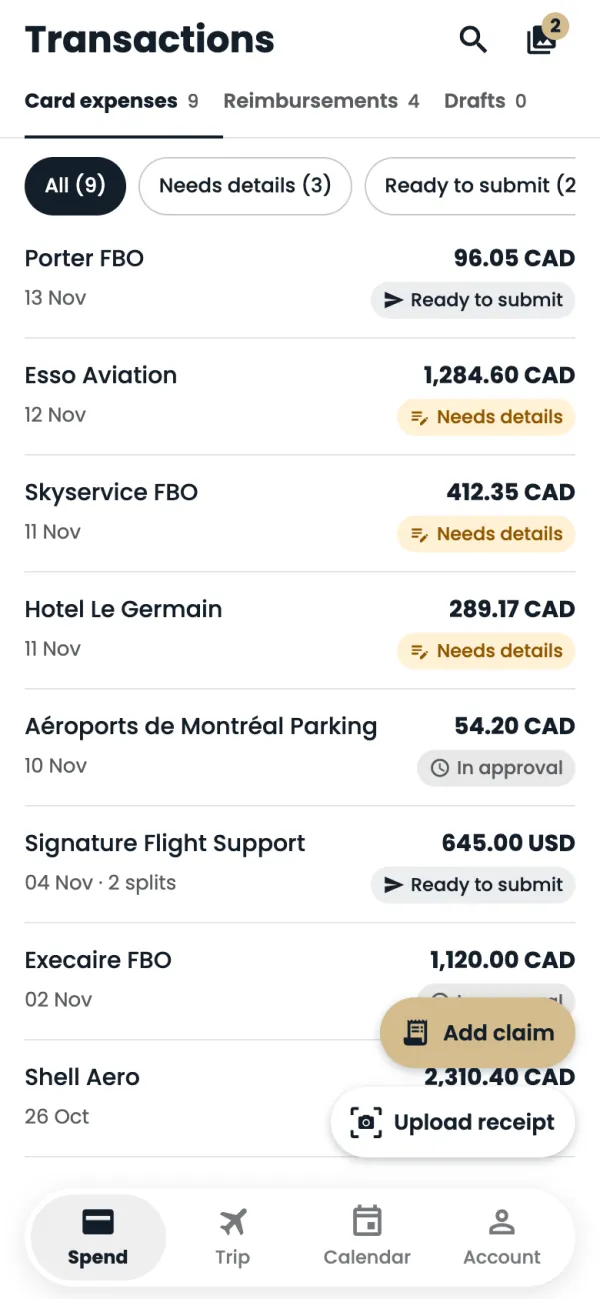
Switch between Transactions, Trips, Reimbursements and Per diem, for this month or all time.
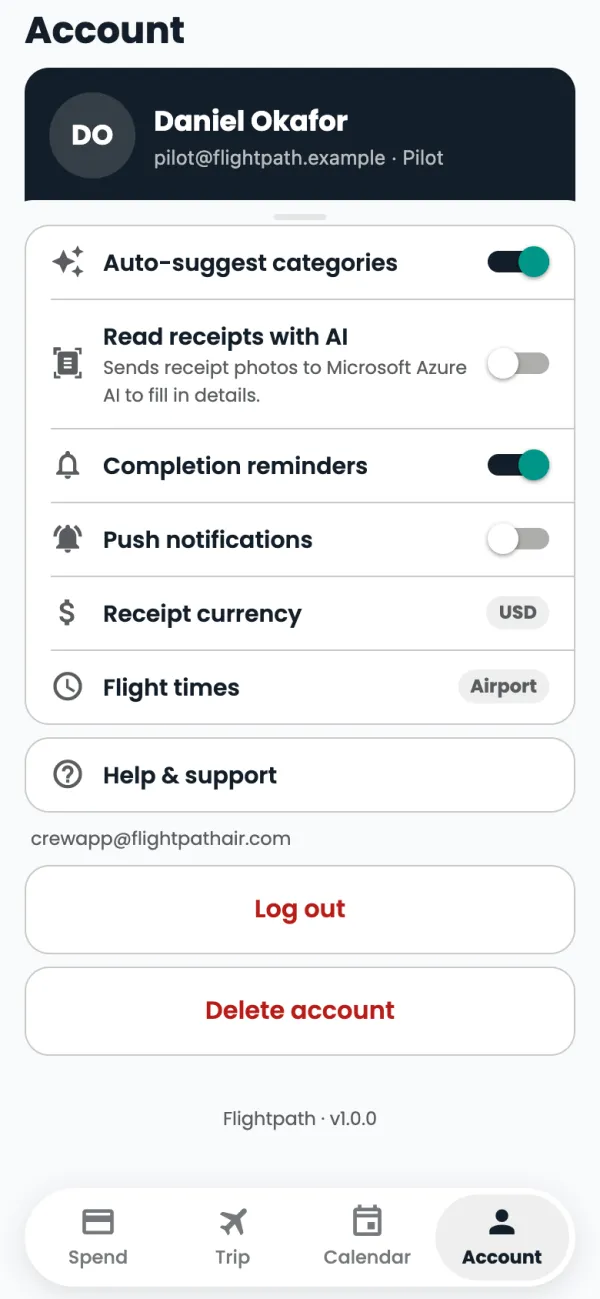
Back in Account, the switches set how the app works for you: Auto-suggest categories, Read receipts with AI, Completion reminders, Push notifications, Receipt currency and Flight times.
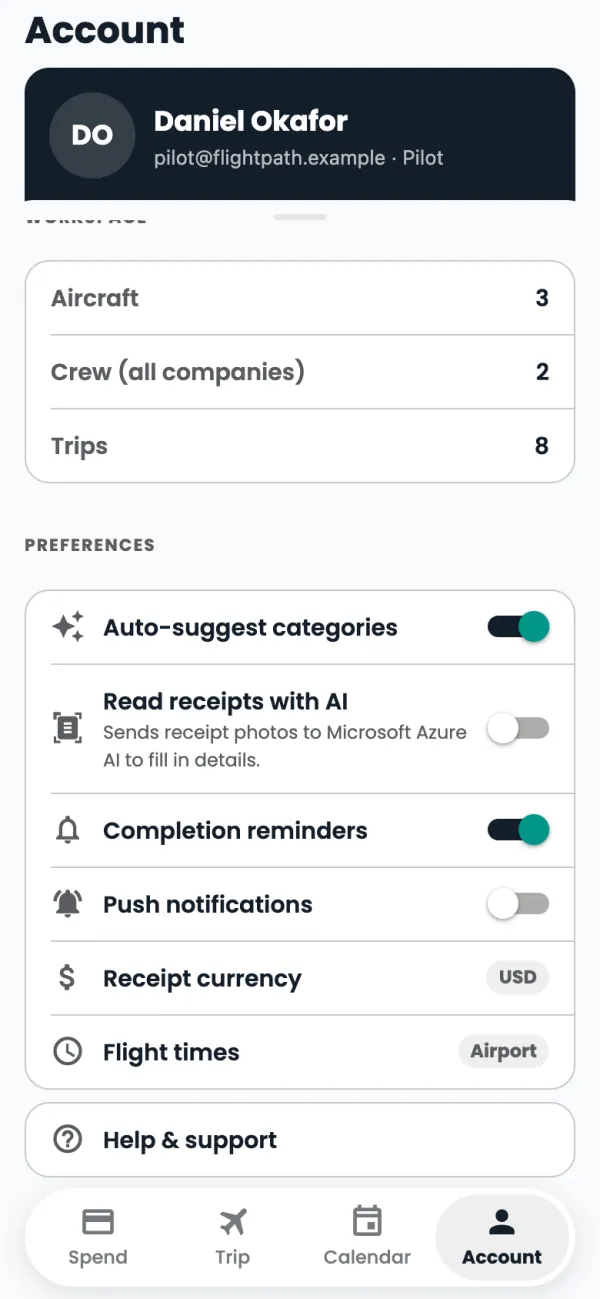
Stuck? Tap Help & support to email the crew app team.
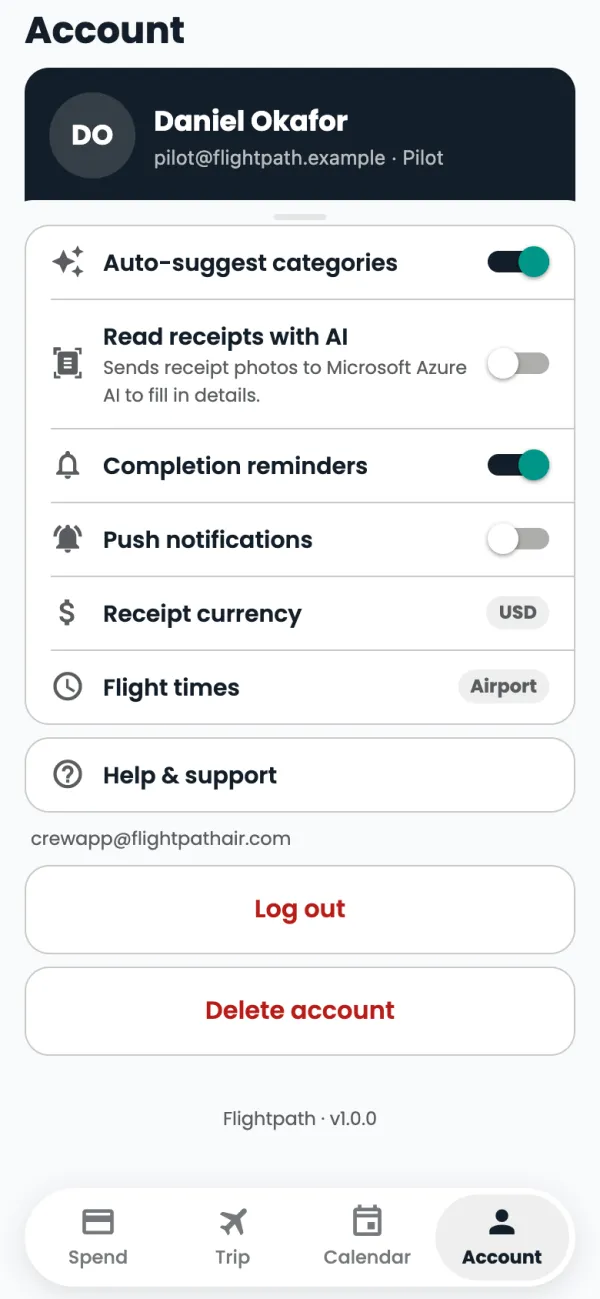
To close your account, tap Delete account.
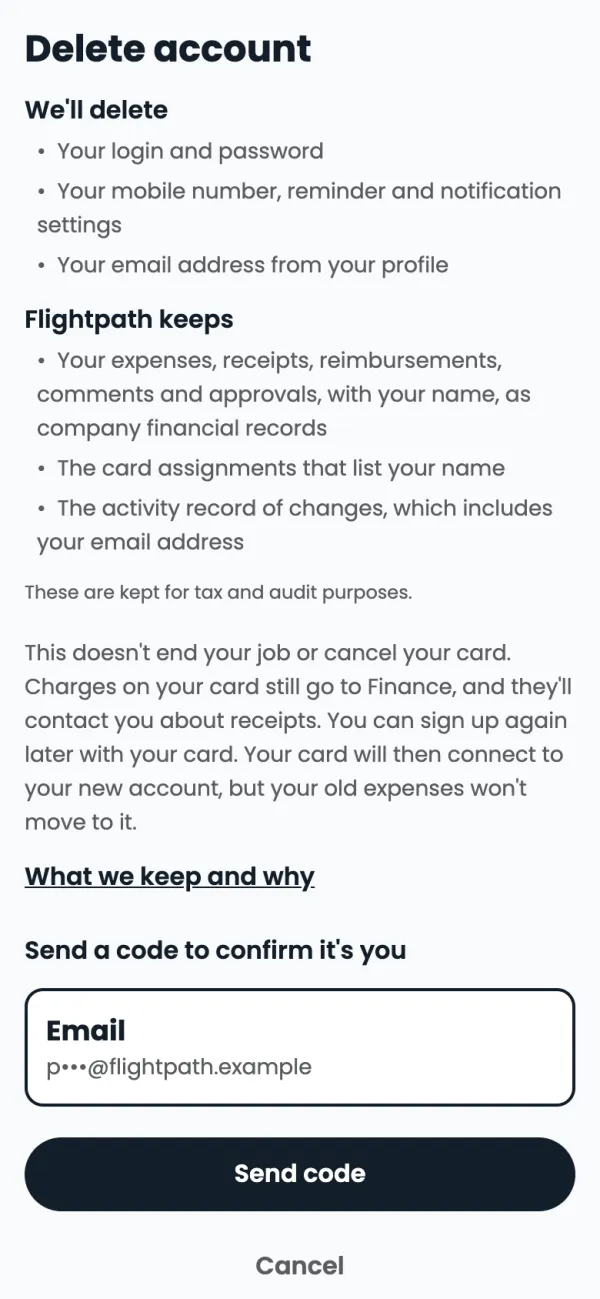
You see what's deleted and what Flightpath keeps. To go ahead, tap Send code, enter the 6-digit code, then tap Delete my account.
Good to know
- On a phone with Face ID or a fingerprint you'll also see Face ID login: turn it on to skip typing your password.
- Your cards shows each Flightpath card and how much credit is left on it.
- Deleting your account removes your login and password, your mobile number, your reminder and notification settings, and the email address on your profile. Flightpath keeps, for tax and audit: your expenses, receipts, reimbursements, comments and approvals (with your name), the card assignments that list your name, and the activity record of changes, which includes your email address.
- Deleting your account doesn't end your job or cancel your card.
- Log out is just above Delete account.
Common questions
How do I reach a person?
Email crewapp@flightpathair.com or call 1-866-640-9712.
Still stuck? Email or call Flightpath crew app support: crewapp@flightpathair.com · 1-866-640-9712.