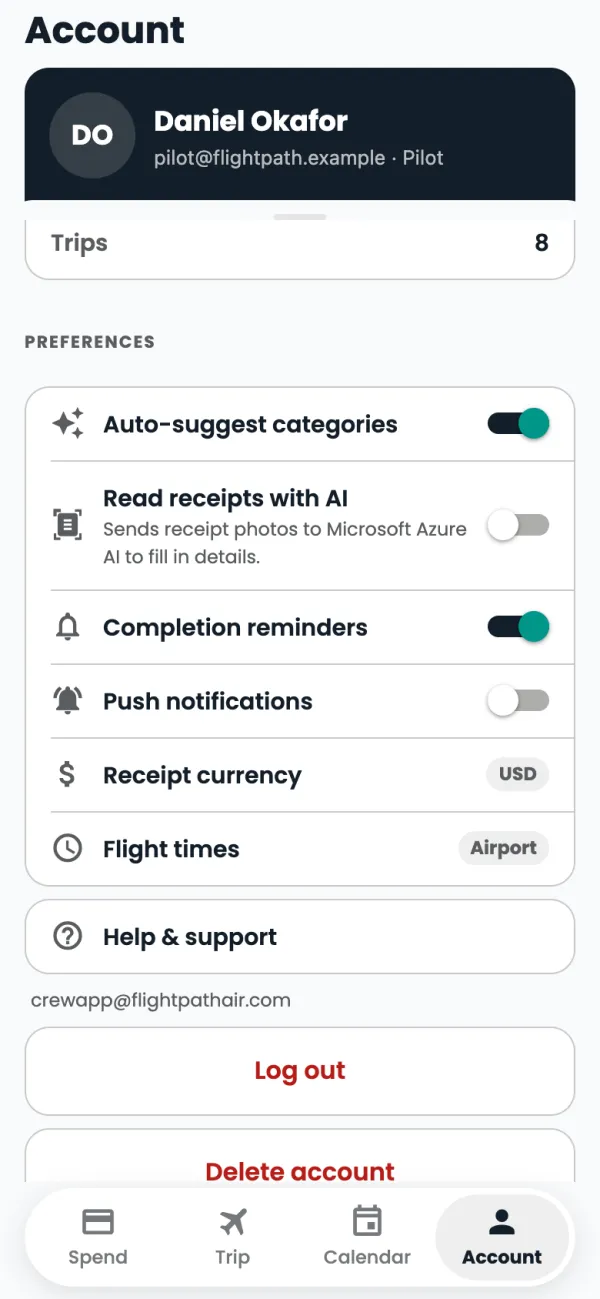
Tap Account.
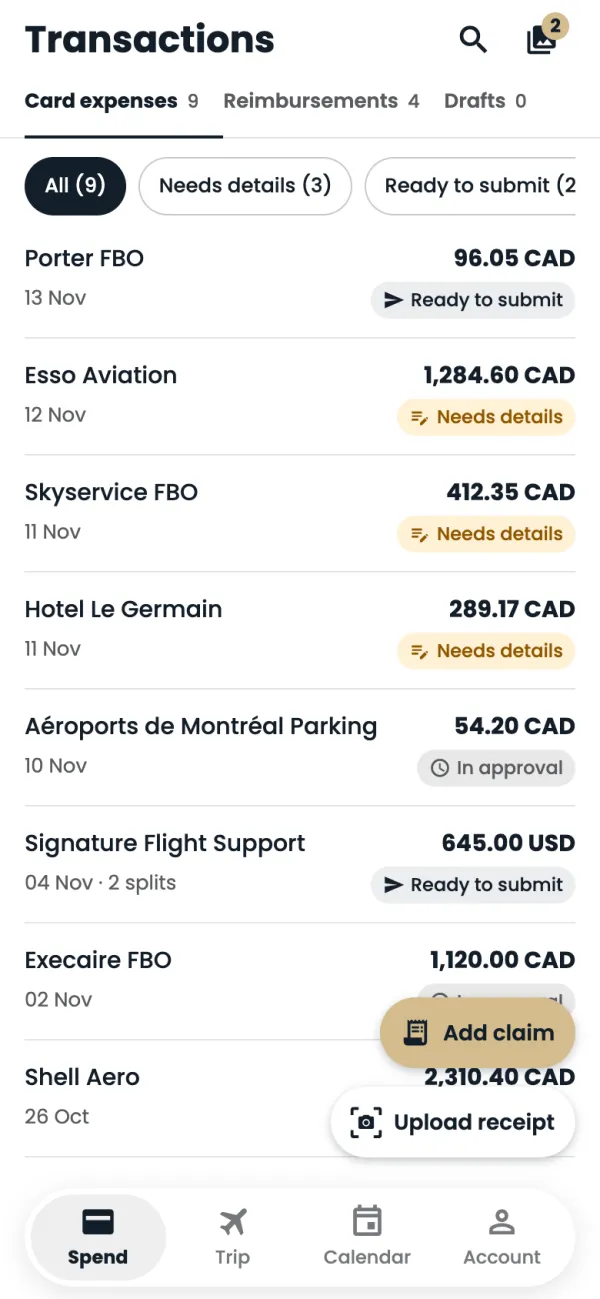
Push notifications: a message the moment a new card charge lands, so you can add the receipt straight away. If you blocked notifications, this switch opens your phone's Settings.
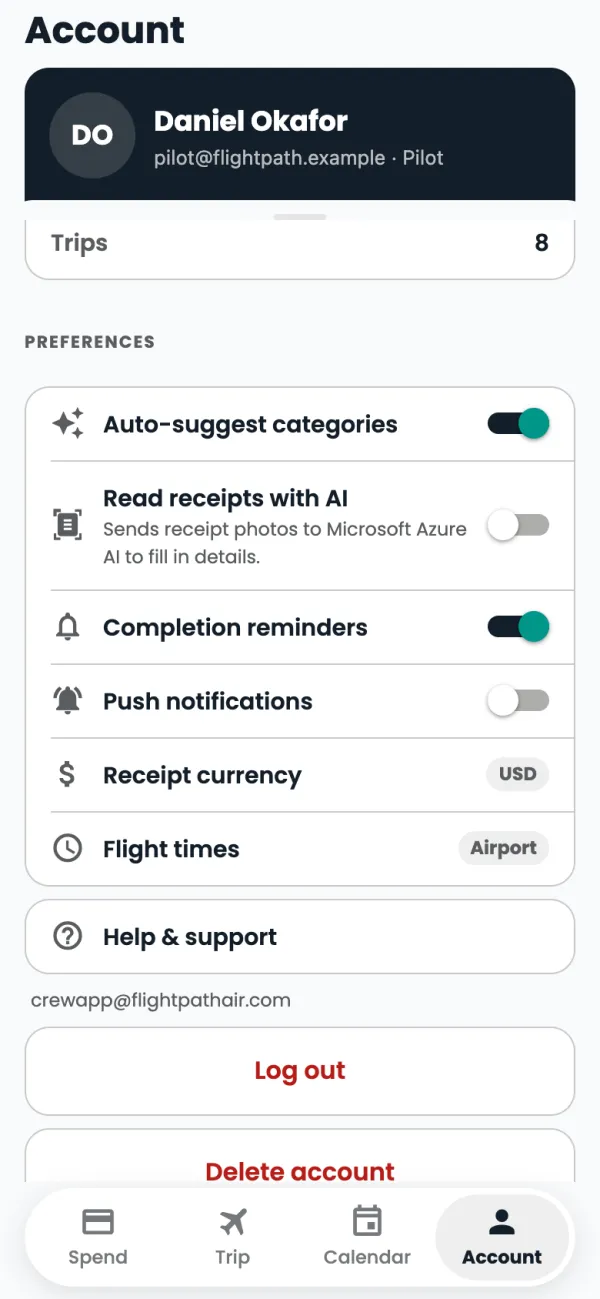
Completion reminders: a reminder each morning while a charge has been waiting more than a day for a receipt, category or tax.
Good to know
- Tapping a notification opens the app on Spend.
- Text reminders are separate. If you ticked them when you first logged in, you get a text 24, 36 and 48 hours after a charge that still needs details. Reply STOP to any text to stop them.
- No texts are sent overnight, between 9 pm and 8 am Eastern.
Common questions
I'm not getting notifications.
Check Push notifications is on in Account, and that notifications are allowed for the Flightpath Crew app in your phone's Settings.
Still stuck? Email or call Flightpath crew app support: crewapp@flightpathair.com · 1-866-640-9712.