Open the Flightpath Crew app. New here? Tap Sign up.
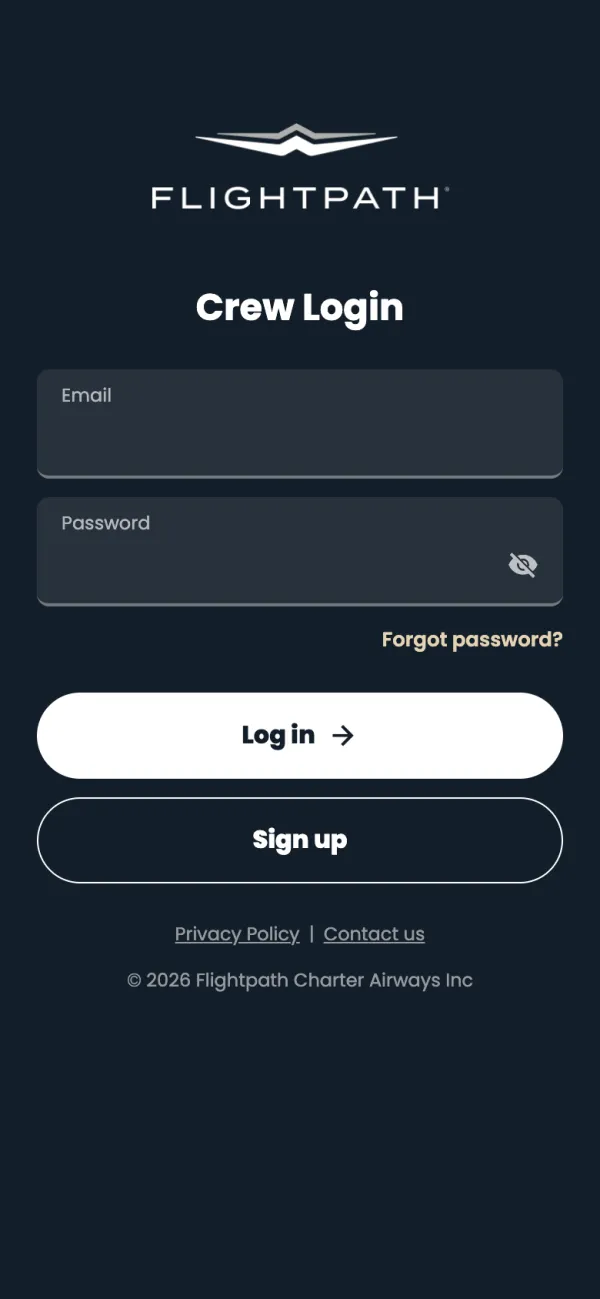
Enter the email your Airwallex card is registered to, then tap Send code.
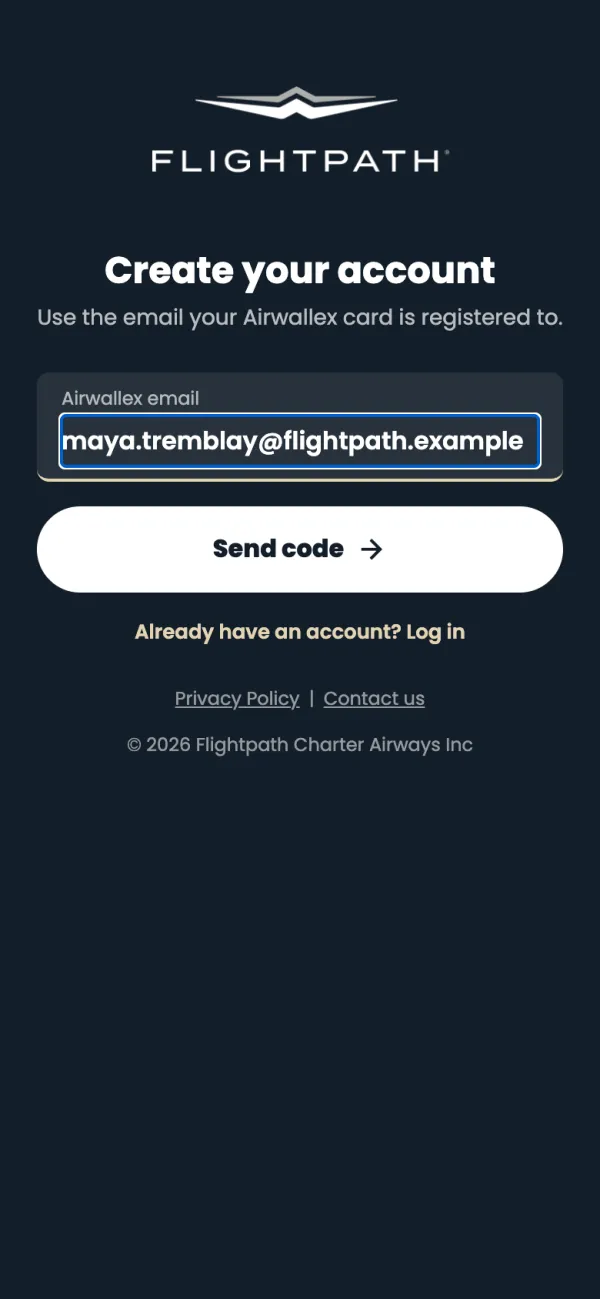
Type the 6-digit code from your email into Verification code and tap Verify. Next, check your details from Airwallex, add your mobile number if asked, and choose a password of at least 8 characters.
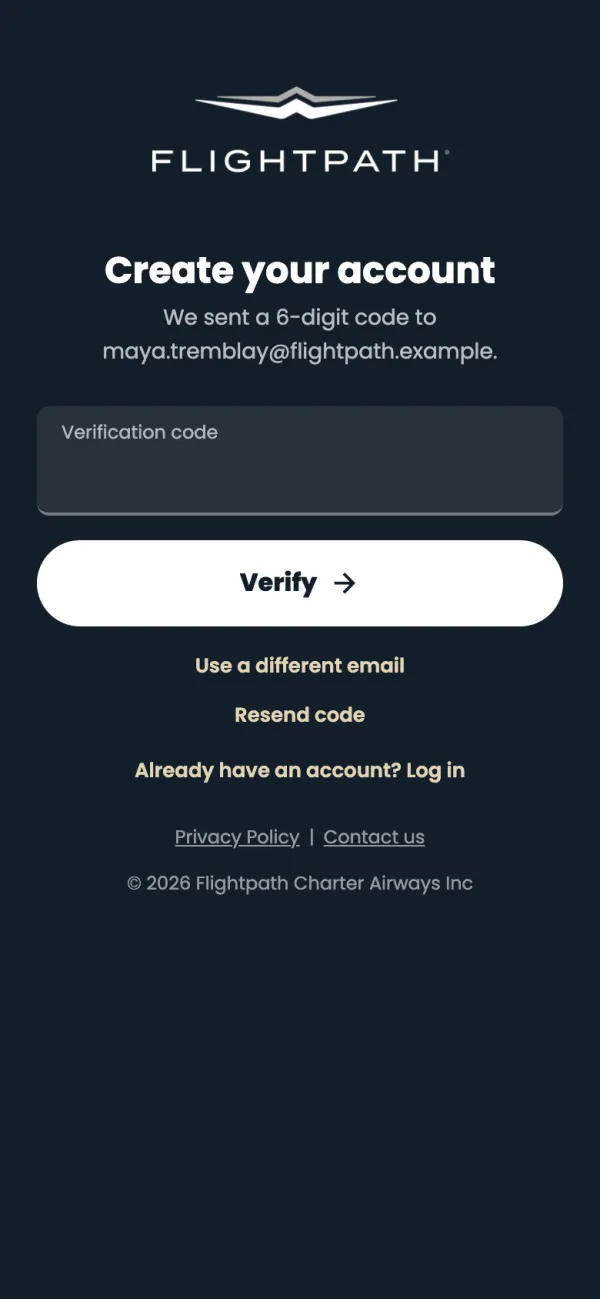
Back on Crew Login, enter your email and password and tap Log in.
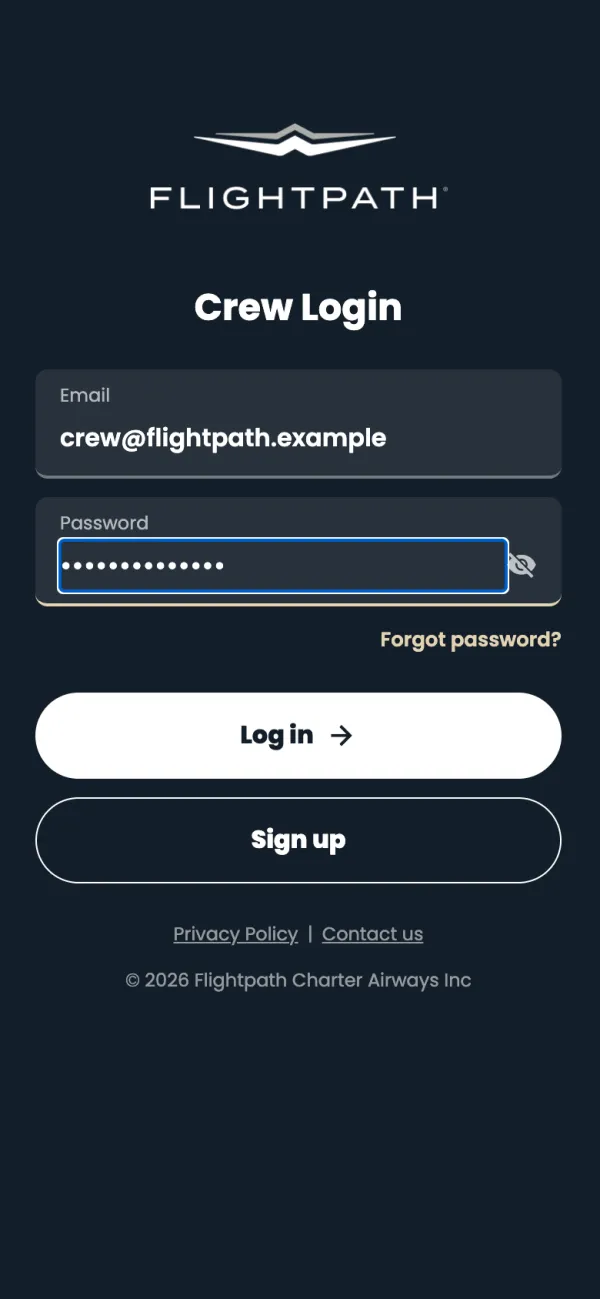
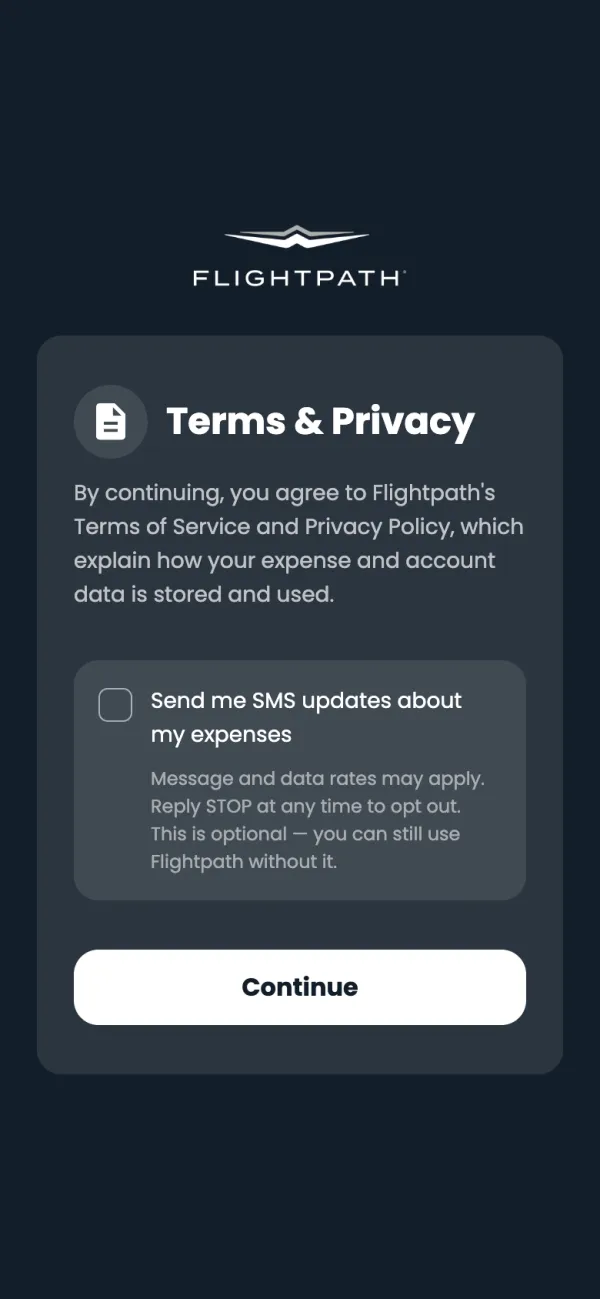
The first time, read Terms & Privacy and tap Continue. Text reminders are optional: tick Send me SMS updates about my expenses if you want them.
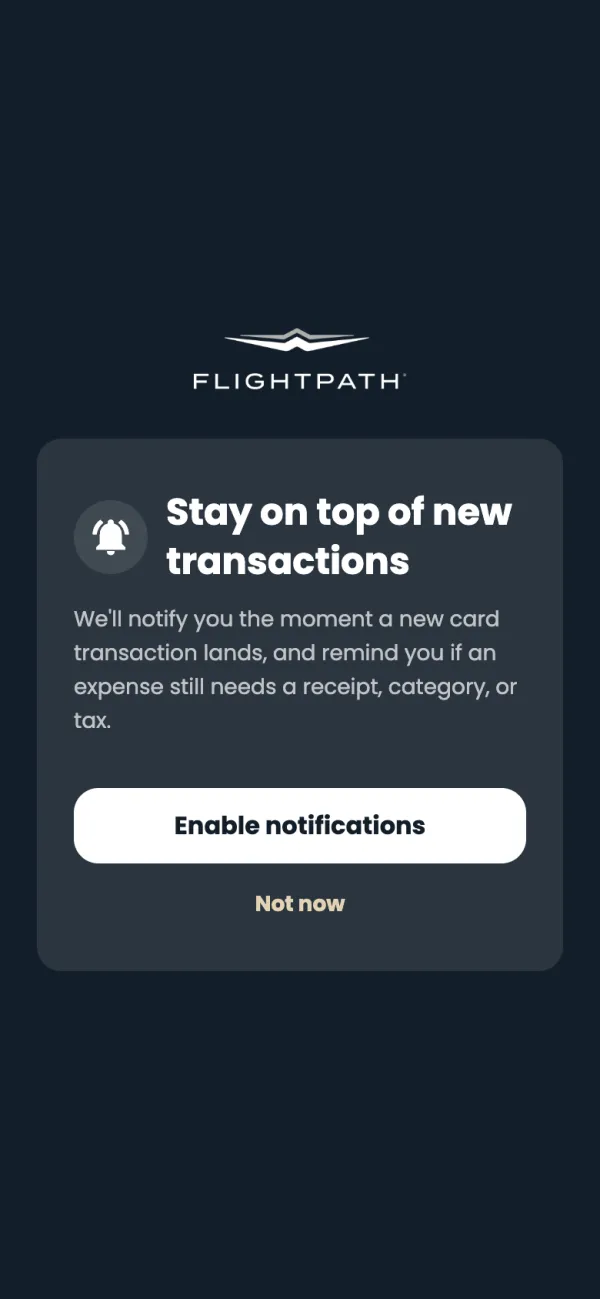
Tap Enable notifications to hear when a card charge lands and when something still needs a receipt.
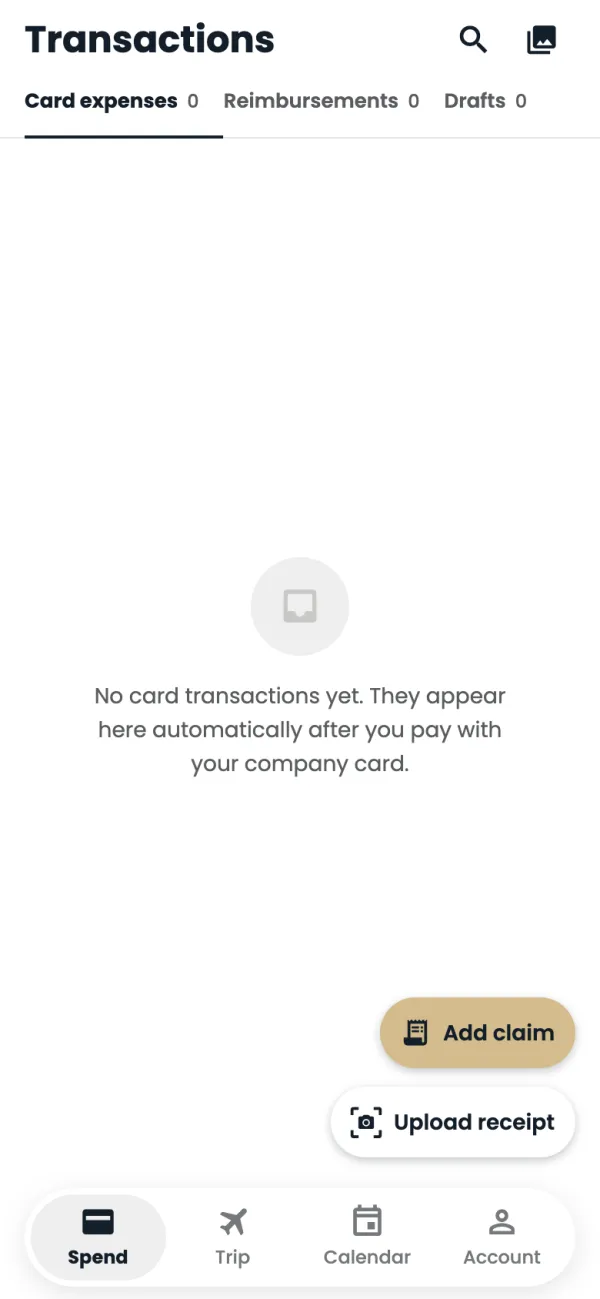
You're in. Spend opens with your card charges.
Good to know
- On iPhone and iPad the app asks Use Face ID? after your first login (fingerprint on Android). Tap Enable and next time the login screen says Welcome back with a Log in with Face ID button. This arrives with the 15 November app update.
- Sharing an iPad? Tap Use a different account to forget the saved login, or just type another email and password.
- Forgot your password? Tap Forgot password? on the login screen and we'll email you a code.
- Tapped Not now? Your reminders are turned off. Turn them back on any time in Account. Your phone only asks for permission after you tap Enable notifications.
Common questions
Sign up says it can't find my email.
Use exactly the email your Airwallex card is registered to. If it still doesn't work, contact crew app support.
Where do I get the app?
Use the iPhone or Android link Flightpath sent you. On iPhone the app isn't listed in App Store search, so you need the link.
Still stuck? Email or call Flightpath crew app support: crewapp@flightpathair.com · 1-866-640-9712.