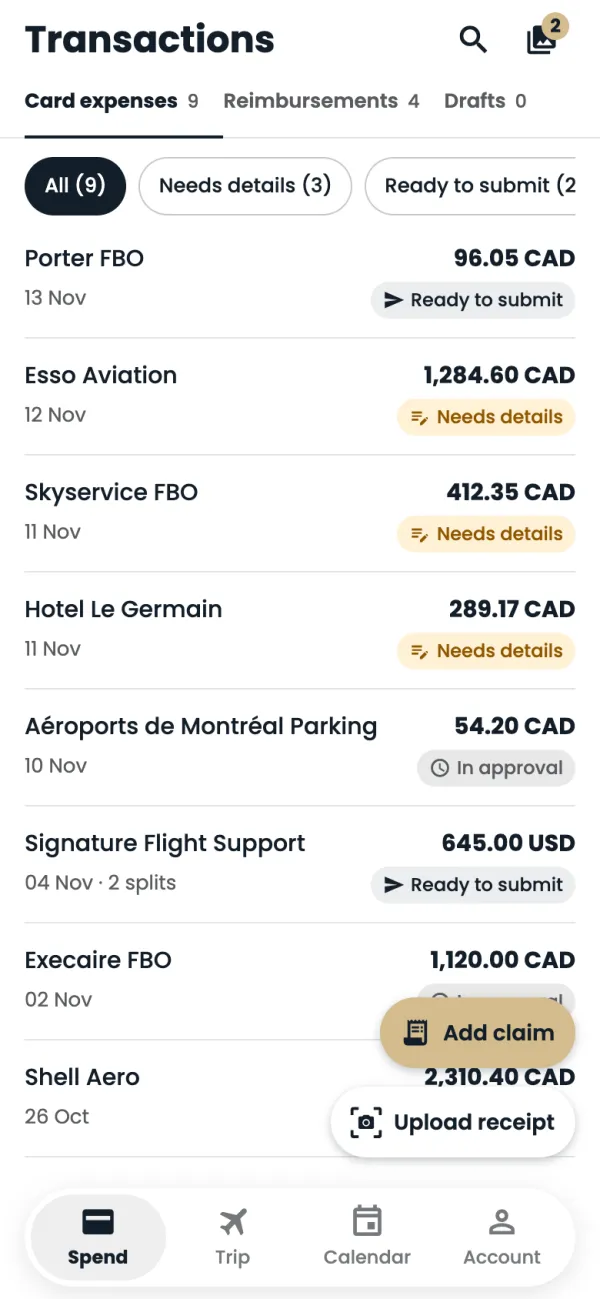
On Spend, tap Add claim. (On a trip's page, Add claim has the trip filled in already.)
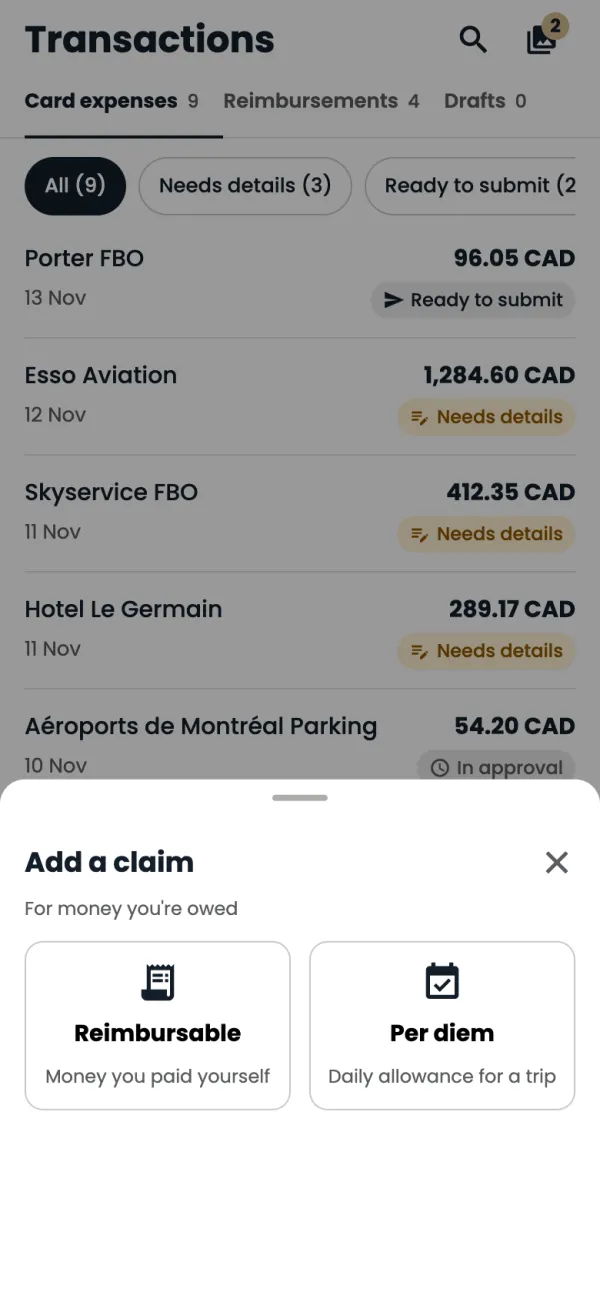
Choose Per diem.
Tap Trip and pick the trip you're claiming for.
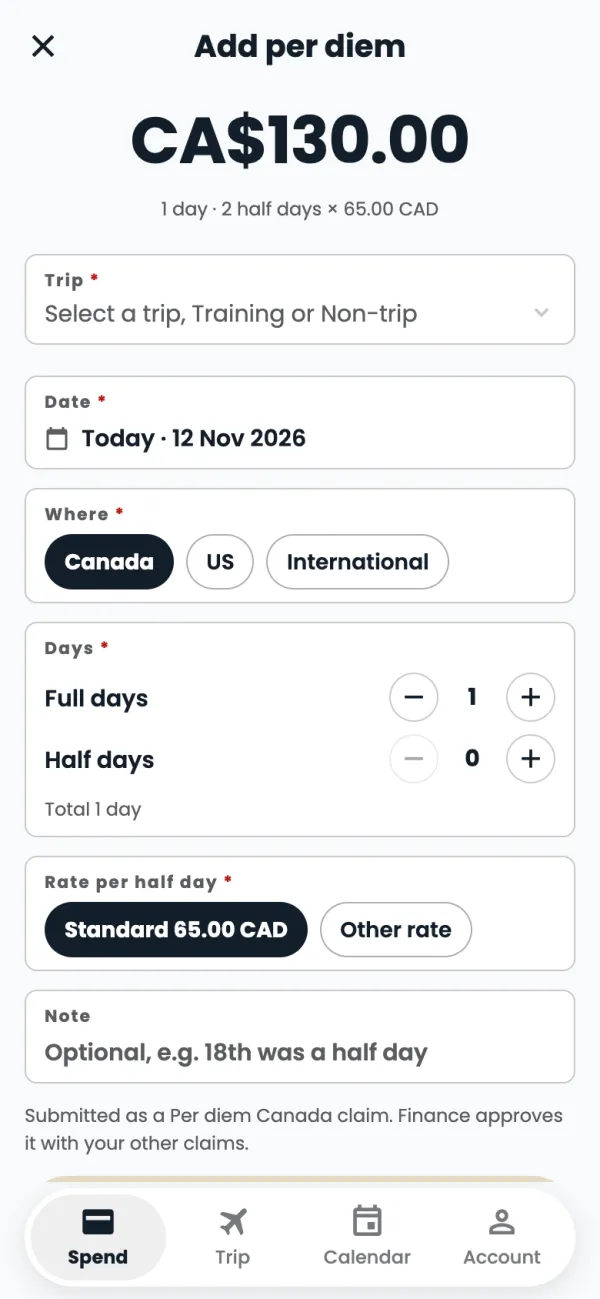
Under Where, pick Canada, US or International.
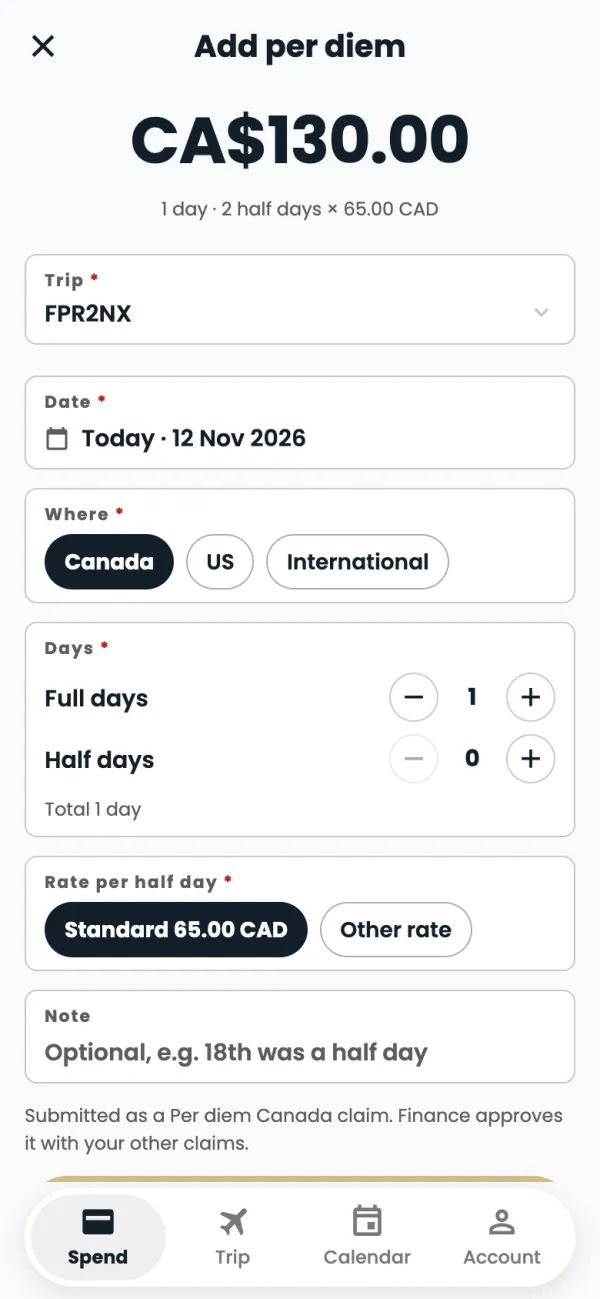
Set the Full days and Half days with the + and − buttons.
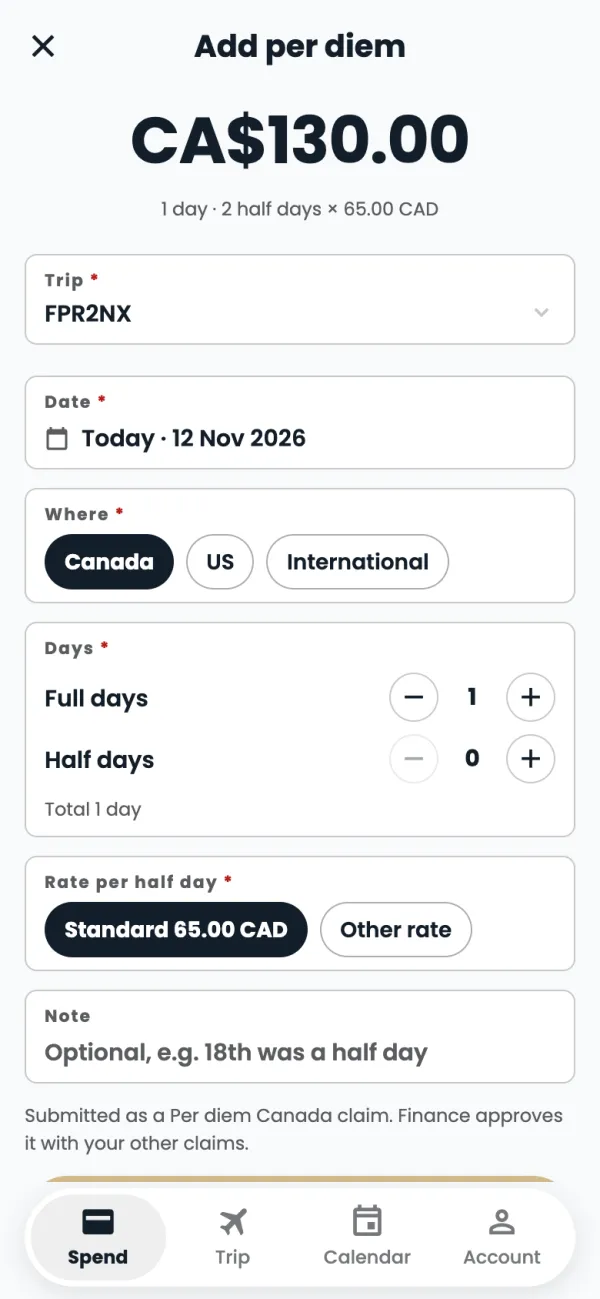
The amount and how it was worked out show at the top, for example 1.5 days · 3 half days × 65.00 CAD. Leave Standard 65.00 CAD selected for the normal rate.
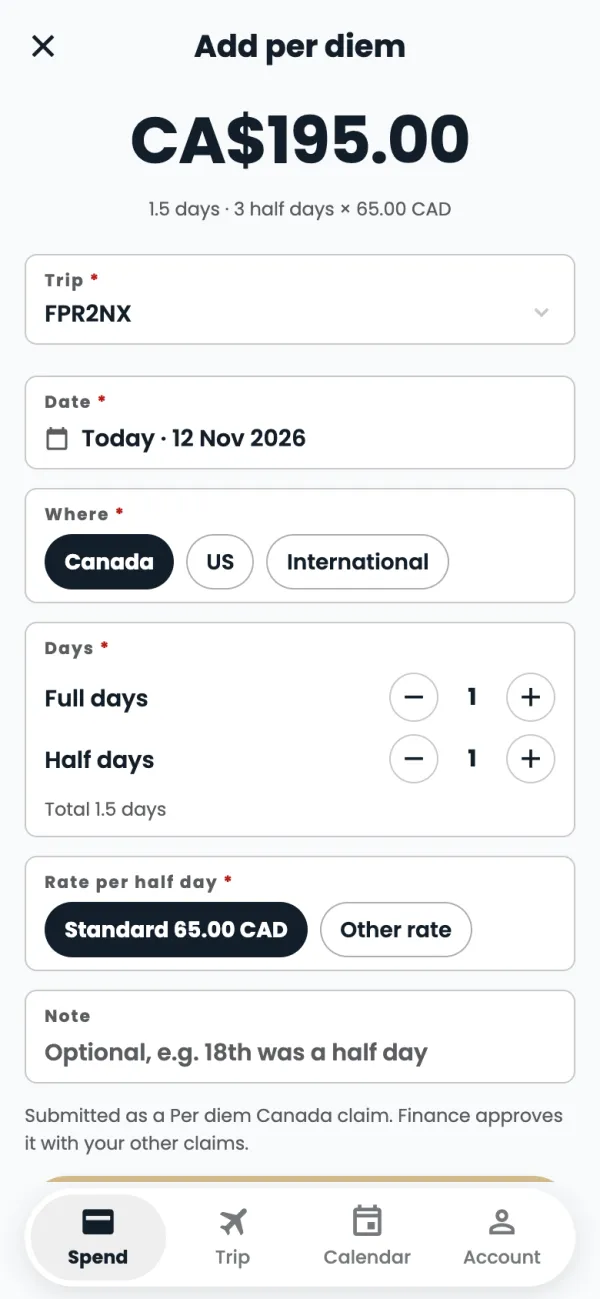
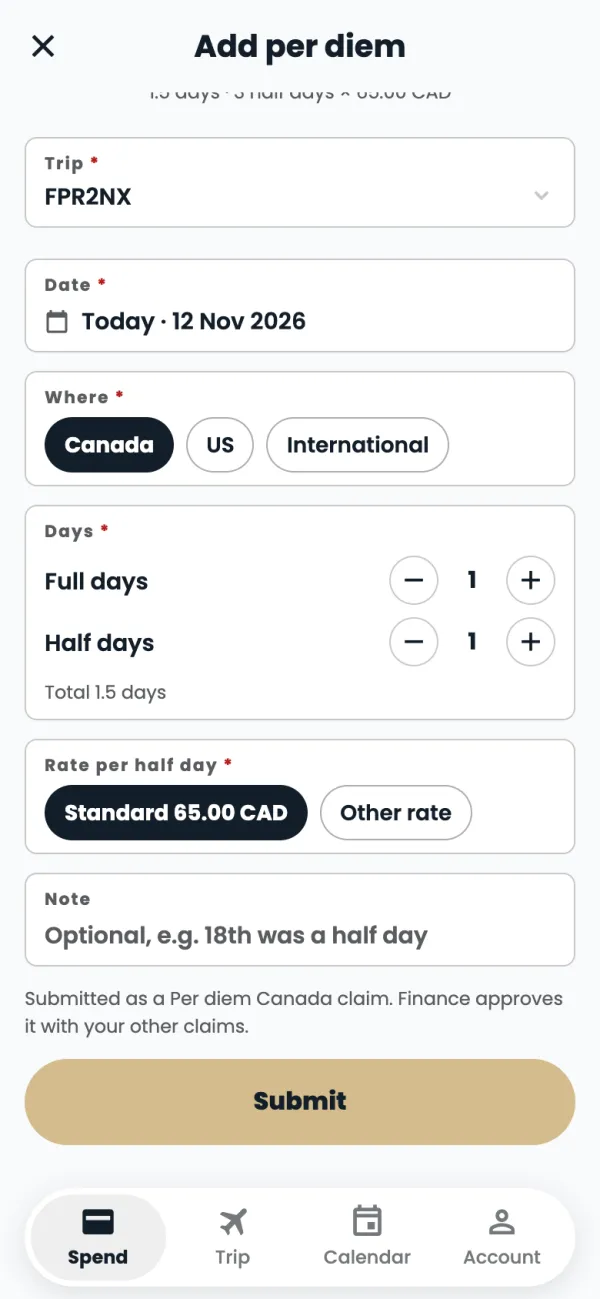
Tap Submit. Finance approves it with your other claims.
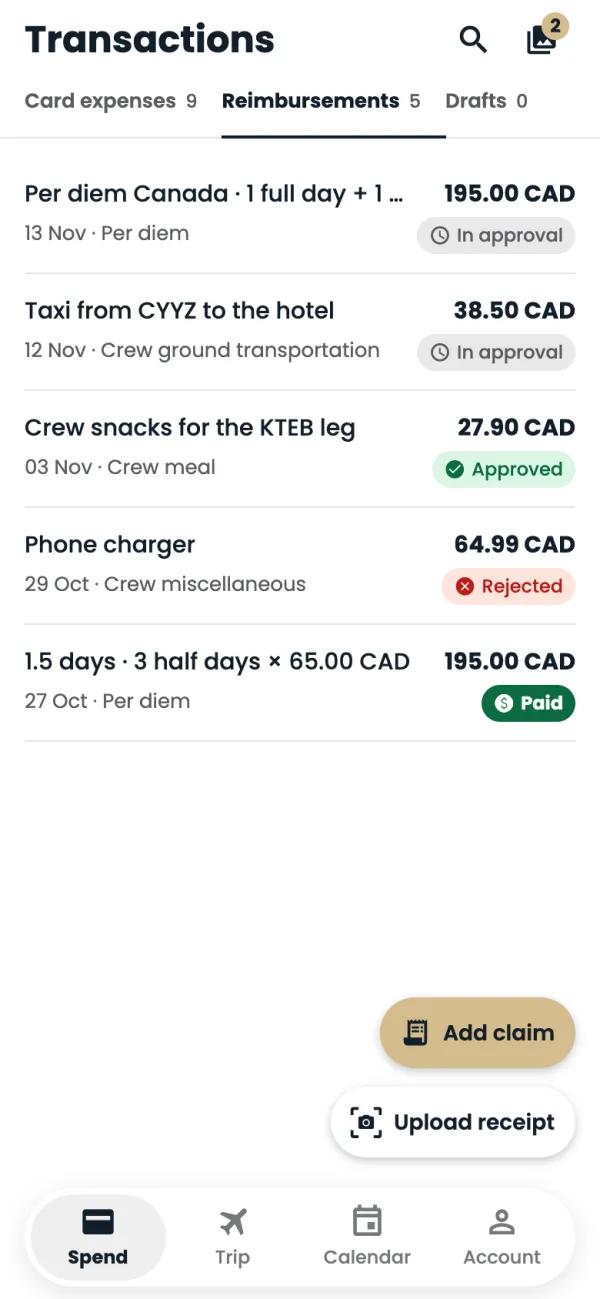
Done. It's listed under Reimbursements as In approval.
Good to know
- Standard rates, per half day: Canada 65 CAD, US 85 CAD, international 92.50 CAD.
- Trips on C-FXDB or N550FR are 75 USD per half day (150 USD a day), wherever the trip went.
- Choose Other rate only when you've agreed a different rate. Finance sees that it isn't the standard rate.
- Per diem is paid through payroll once it's approved.
Common questions
How do I count half days?
Two half days make one full day. Use Half days for a day you started late or finished early, and add a Note if it helps, like "18th was a half day".
Can I change it after I submit?
No. A per diem is a claim like any other: ask Finance if something is wrong.
Still stuck? Email or call Flightpath crew app support: crewapp@flightpathair.com · 1-866-640-9712.