Tap Trip at the bottom of the screen.
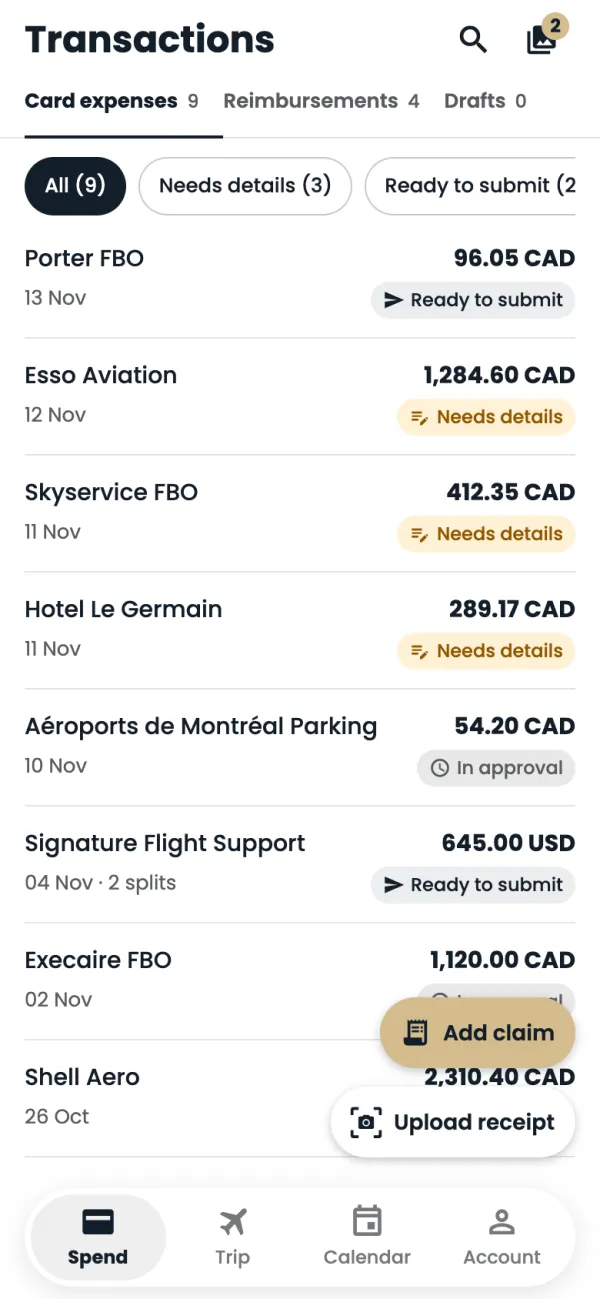
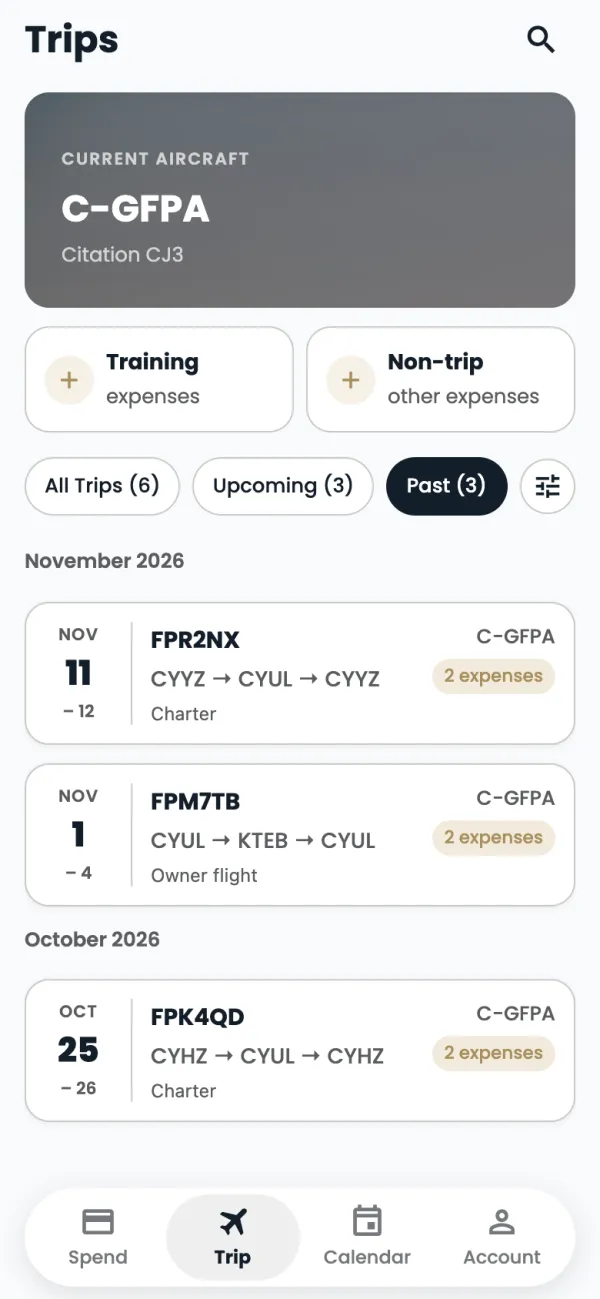
Your Current aircraft is at the top. Training and Non-trip hold expenses that aren't for a flown trip. Below them, filter your trips with All Trips, Upcoming or Past.
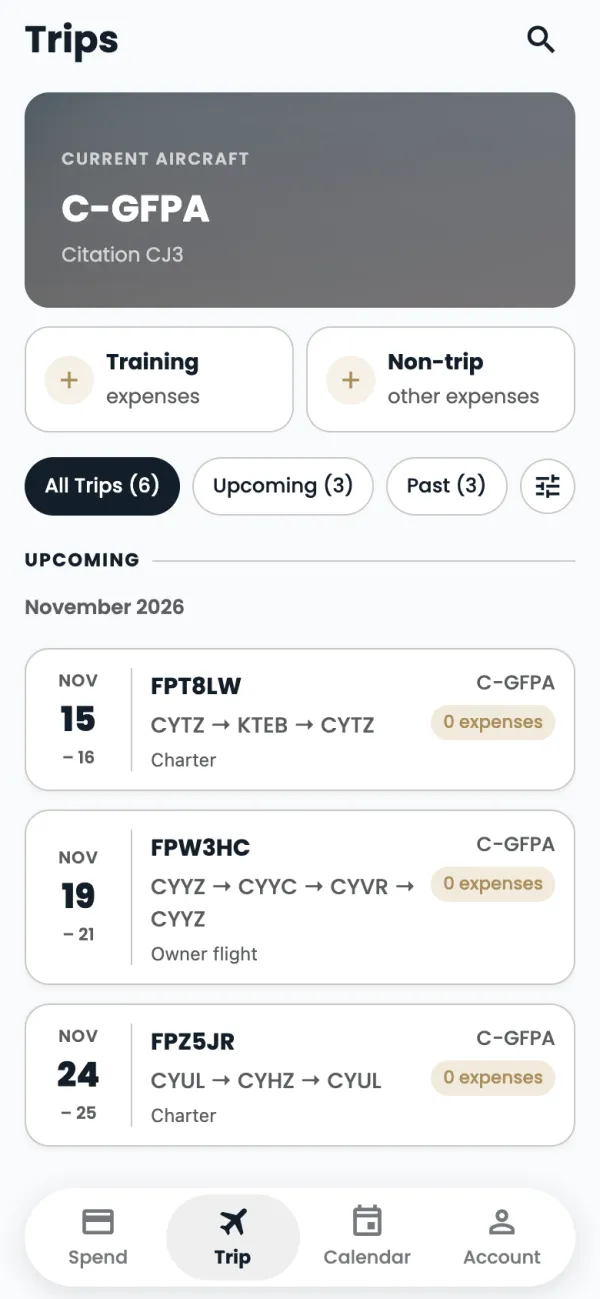
Each trip shows its dates, route, tail number and how many expenses it has. Tap one to open it.
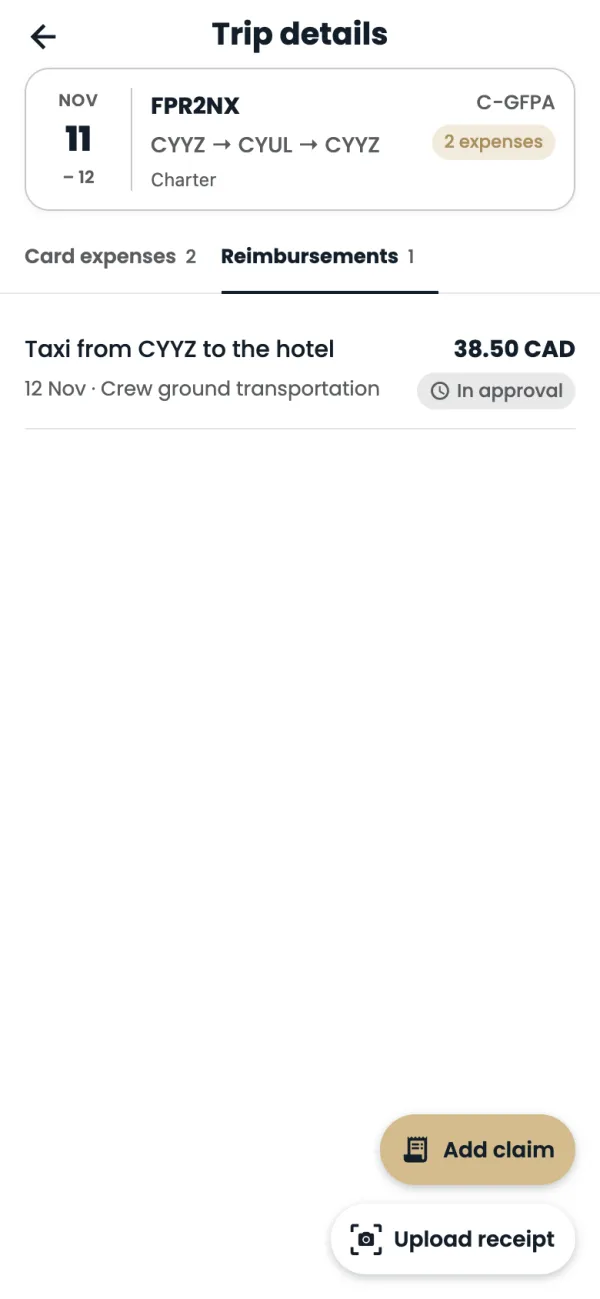
Trip details lists the trip's Card expenses and Reimbursements. Tap a tab, or swipe left or right, to switch.
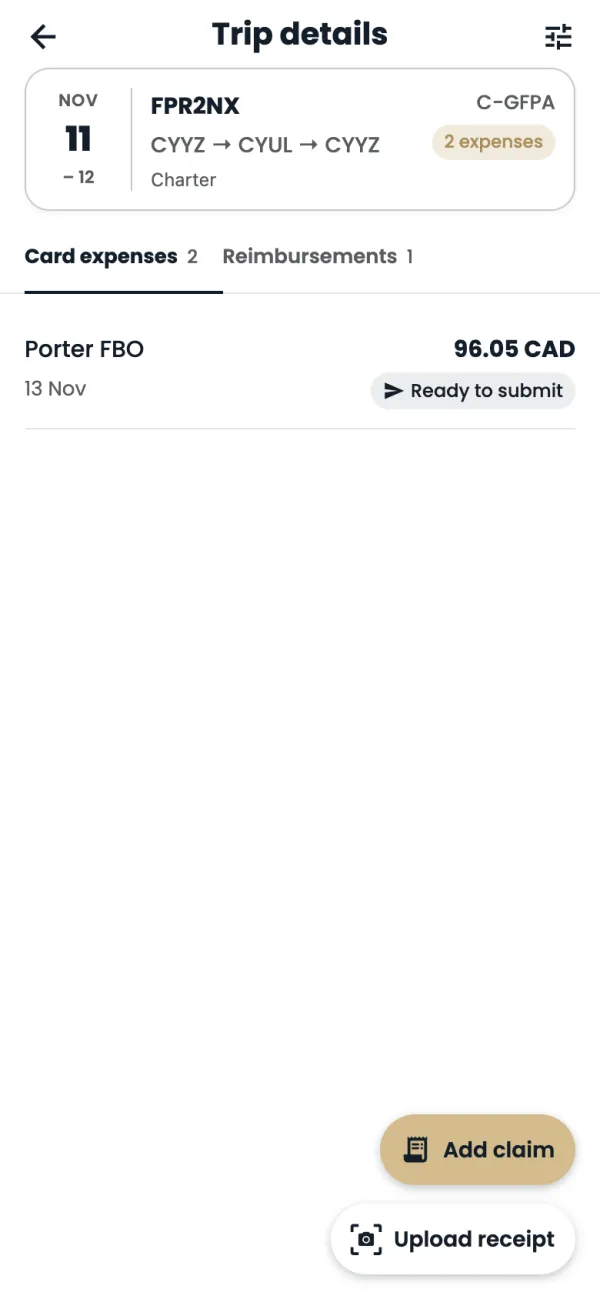
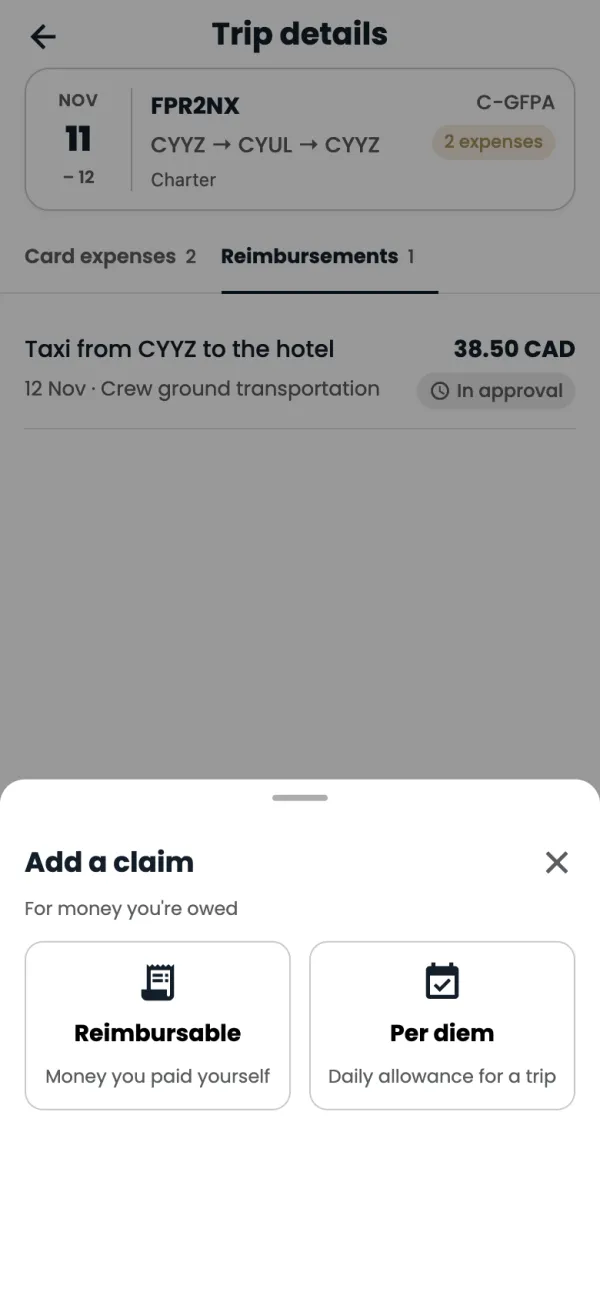
Tap Add claim to claim for this trip. The trip is filled in for you.
Pick Reimbursable or Per diem, then carry on as in those guides.
Good to know
- Trips come from the flight schedule. You can't add or edit a trip in the app.
- Upload receipt on a trip saves the receipt to your Media library. It isn't tied to that trip: it's matched to the card charge.
- Search trips by PNR or tail number with the magnifying glass.
Common questions
A trip is missing.
Trips show for the aircraft you're assigned to. If one you flew isn't there, contact ops.
Still stuck? Email or call Flightpath crew app support: crewapp@flightpathair.com · 1-866-640-9712.